How to register for Muse AI

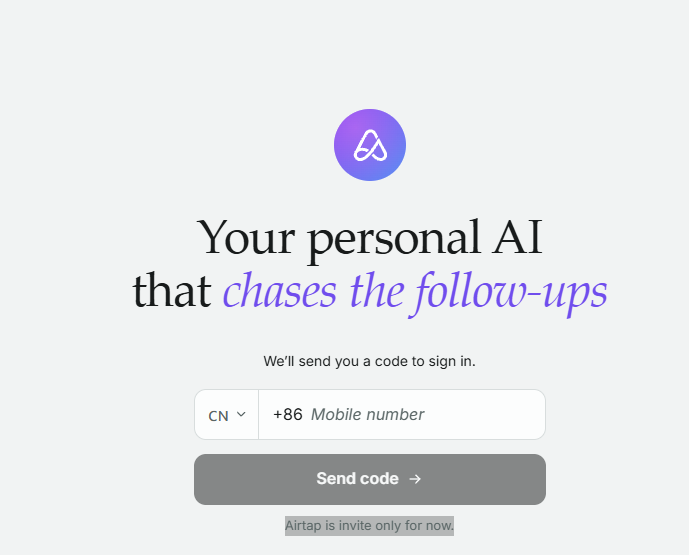
1、Log in to https://airtap.ai and open the link above

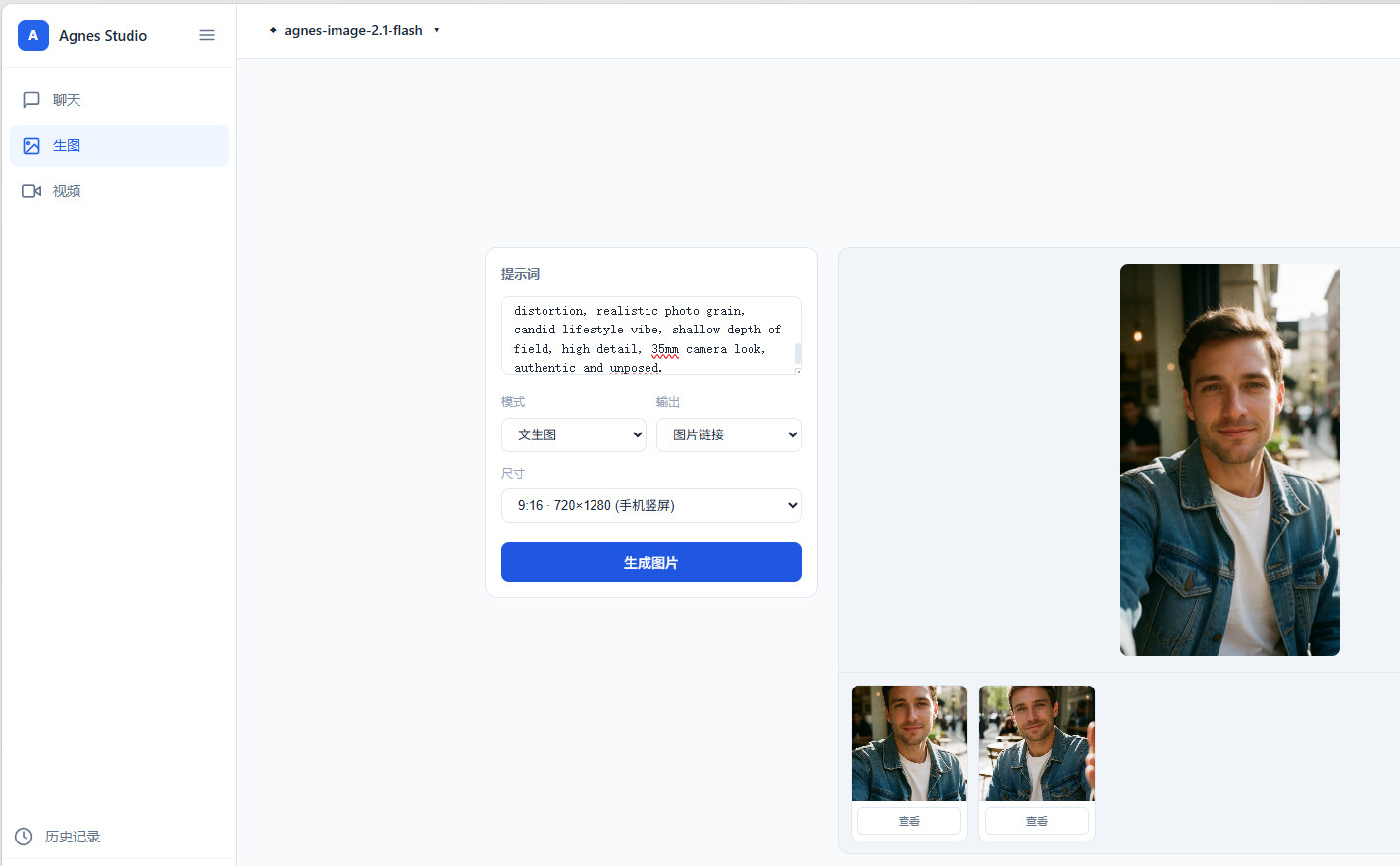
2、Log in with a Google account, have AI generate a foreign face to pass facial verification, https://automan.free.je

If you don’t want to link a card, stop here

5 Likes

That’s so awesome!

Use AI to beat AI

Get up right away and give it a try.

Give it a try

Use invitation code R6P3KL to get 1 billion tokens

I’m also providing another new method for registering for Muse. It’s recommended that you use a U.S. IP address throughout the process. Using this method, I registered several more accounts.

  1. Open browser.lexmount.com in your browser and sign up and log in.
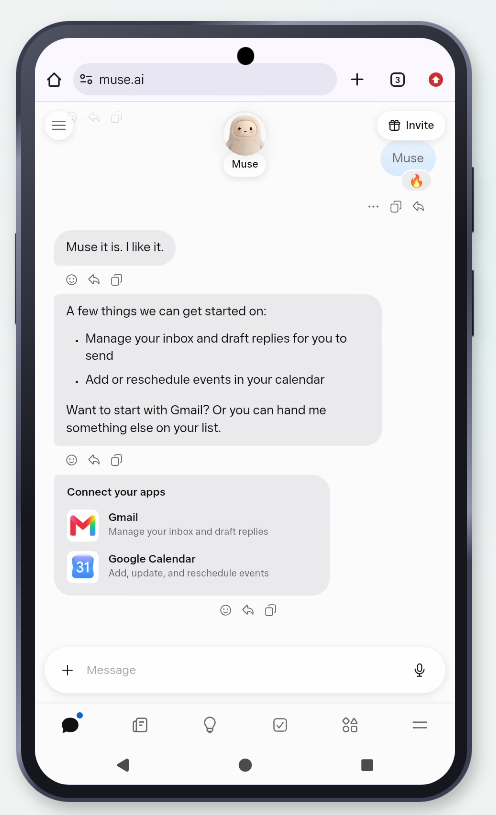
  2. Open Muse.ai, which is already built in, and click Run directly.
  3. Proceed directly through the Muse registration process. Enter your email address to sign up. You’ll need to verify your age and enter a card number. For the bank card, it’s recommended that you use a U card (U卡) rather than an important bank card.
  4. After registering successfully, bind the Muse invitation code: 0S00HK. You’ll receive 1 billion Muse tokens for each account. Once registration is complete, you can log in directly through the mobile app on your phone.


Does this count as successfully registered? It seems it didn’t ask me to link a card either. I’m still using a 163 email :joy:

Thanks for the guidance~ Just learning…Give it a like~

Come check out your personal AI agent, Muse. Redeem my invitation code through “Settings” within 48 hours of joining, and we’ll each receive 1 billion Muse tokens.

Invitation code: JCQ96N

Invitation code: 5DD5RZ

My invitation code
HBY6A8

https://airtap.ai/ no longer works, displaying “Airtap is invite only for now.”

What kind of trick is this?

I just verified my email and signed up, only to be put straight on the waitlist :face_exhaling:

Haha, me too.