1panel
October 2, 2026, 6:31am
1
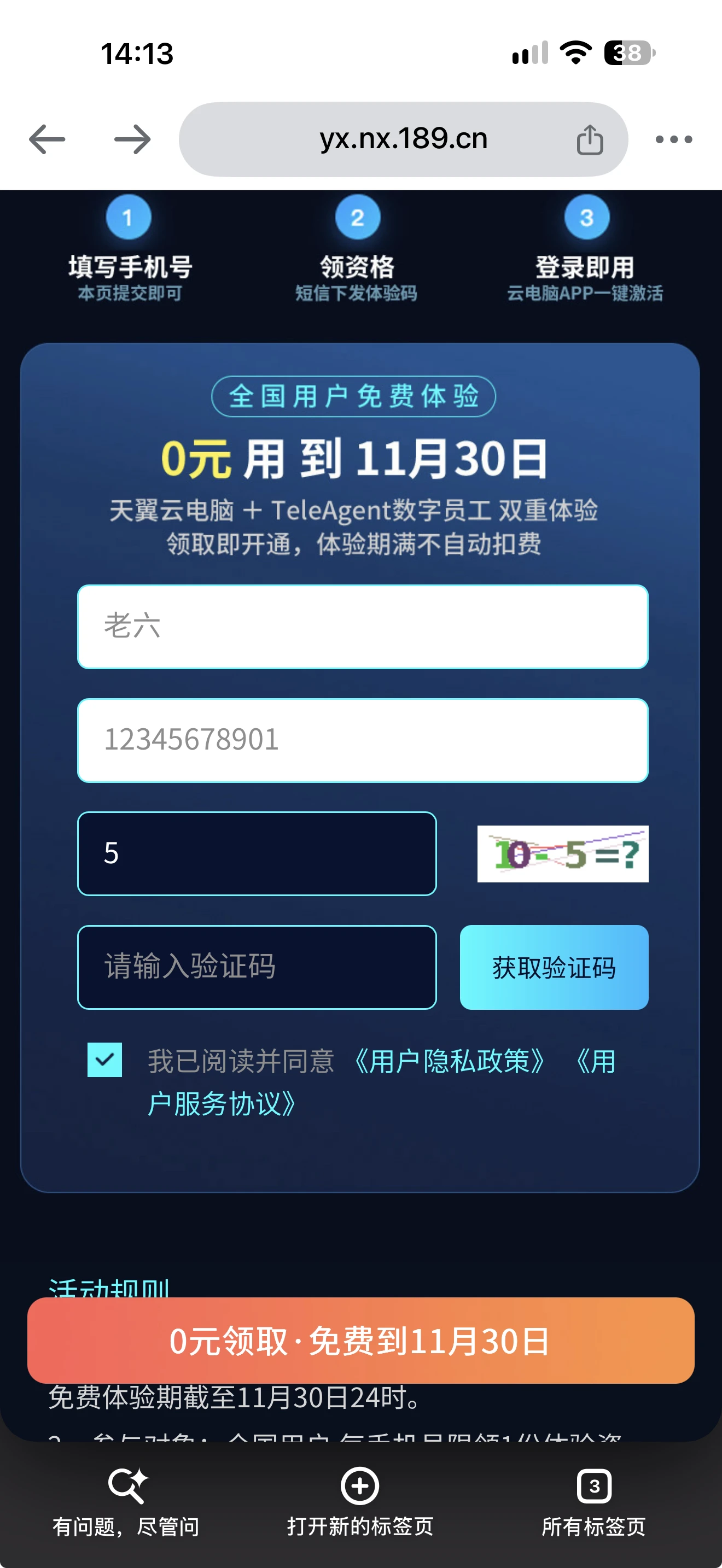
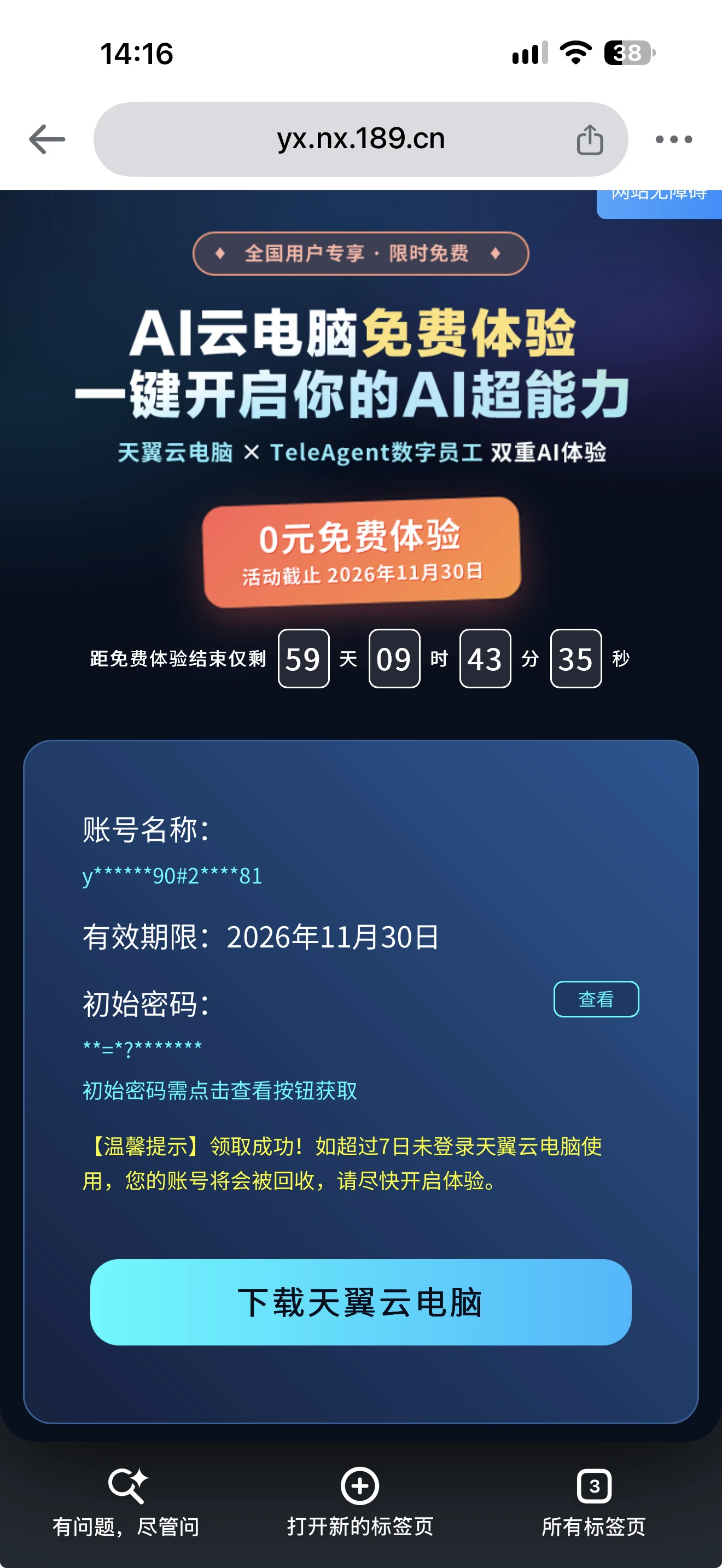
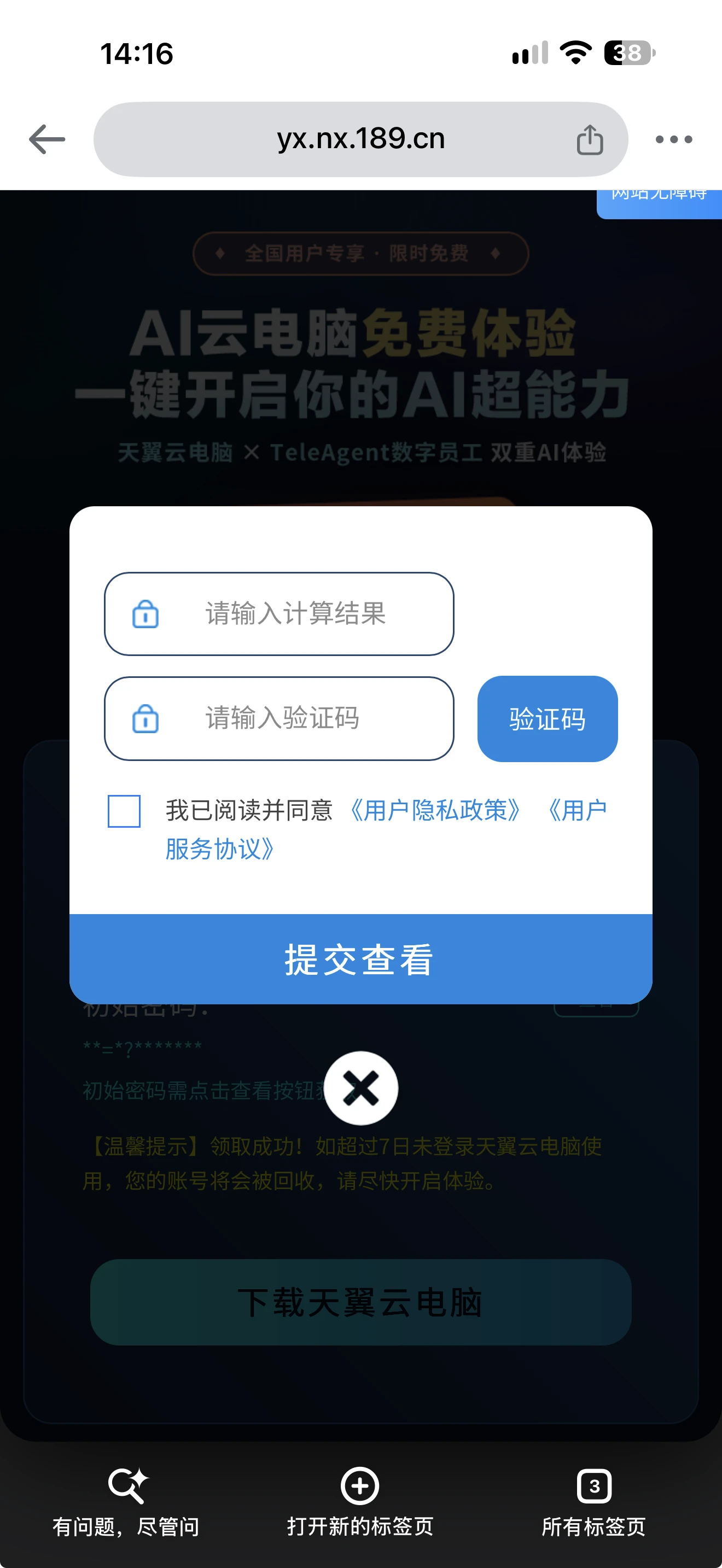
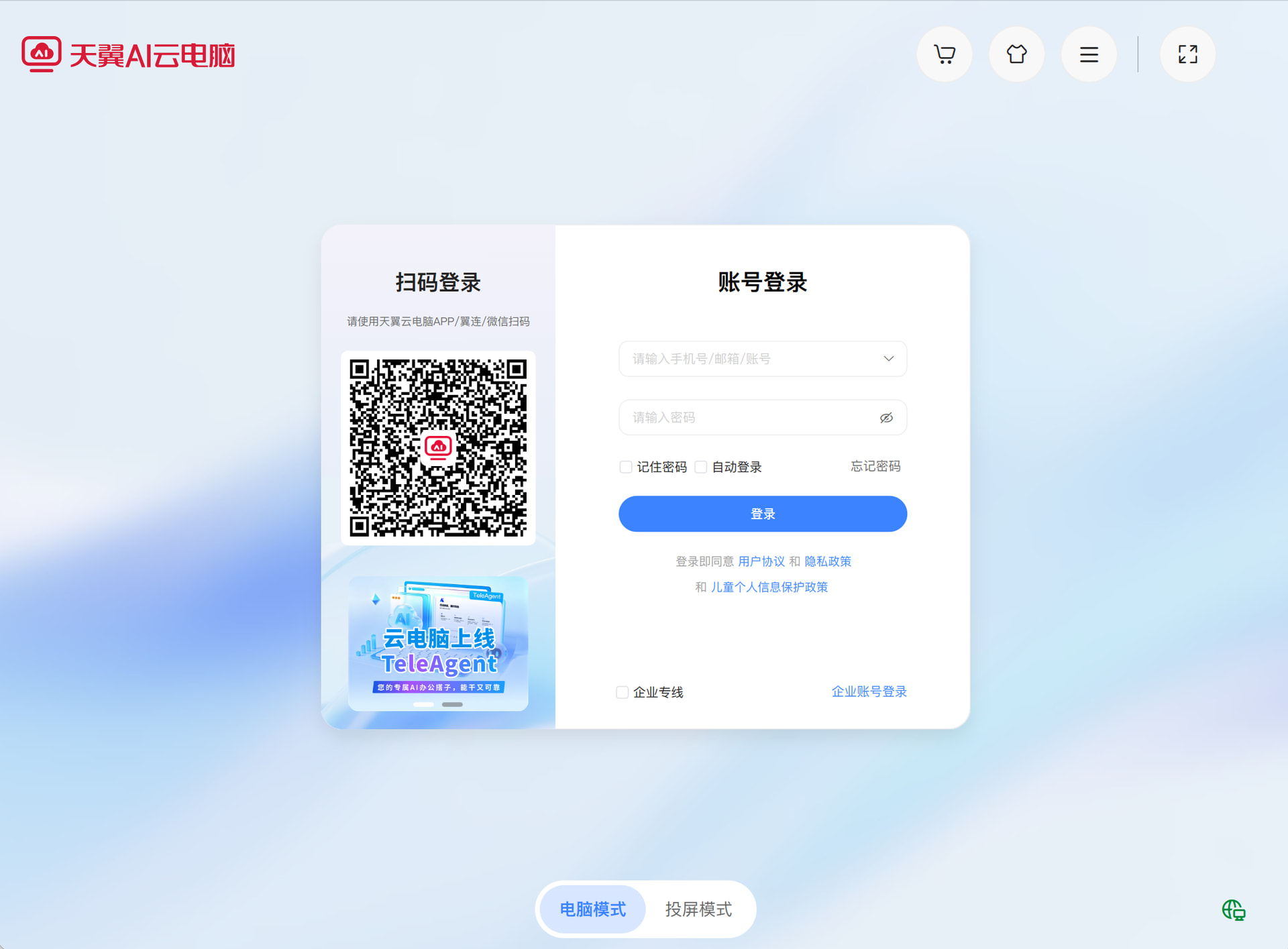
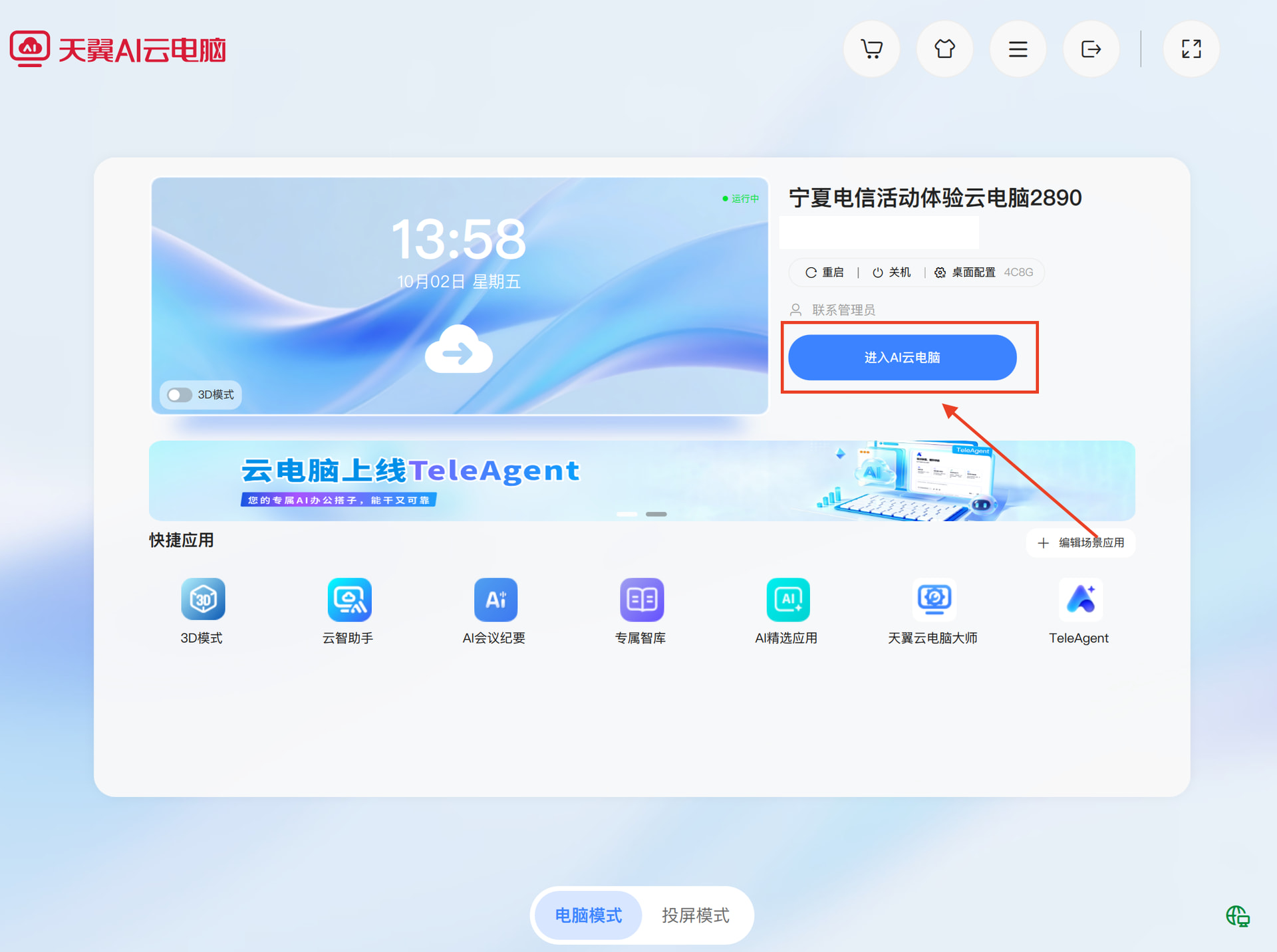
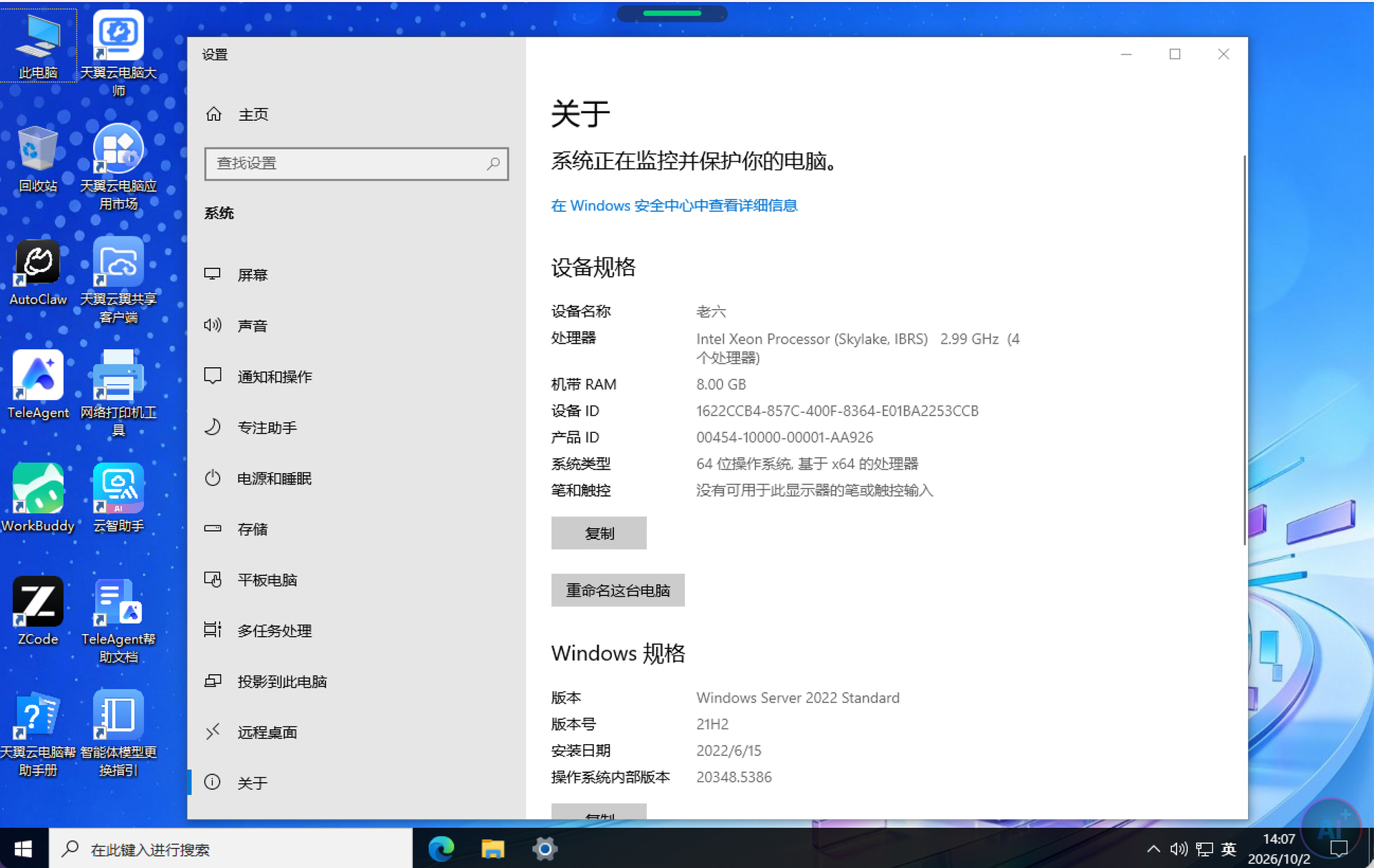
The specific steps are as follows
https://yx.nx.189.cn/m_nx_main/tyydn/toIndex.do
https://yx.nx.189.cn/m_nx_main/submit/imgCode.jpeg
https://desk.ctyun.cn/html/download/
5 Likes
jmzjh99
October 3, 2026, 1:16am
2
Thanks for making such a detailed tutorial. This CAPTCHA bug is really something. I don’t think it was this awful back then.
leestoms
October 3, 2026, 1:26am
3
Wasn’t it already out of stock? It said they were all gone—are there more available today?
2 Likes
qmm3544
October 19, 2026, 12:11pm
4
Anything else? I’ve got to try this.
hikaru
October 19, 2026, 12:47pm
5
Does this computer not have a public IP?
korhomme
October 19, 2026, 2:18pm
6
No need to try anymore~ Is there a daily limit?
1 Like
jmzjh99
October 19, 2026, 3:51pm
7
The current setup already has QOS limiting upload speed to 2 Mbps, and submitting a support ticket is useless—they just tell me to find an administrator.
ae80
October 19, 2026, 5:16pm
8
It’s only been a month, so I feel like I’d better stop tinkering with it. Thanks for sharing.
mir_xiong
October 20, 2026, 12:59am
9
Can I claim it if I don’t have a China Telecom phone number?
1panel
October 20, 2026, 1:29am
10
Any mobile phone number will do.