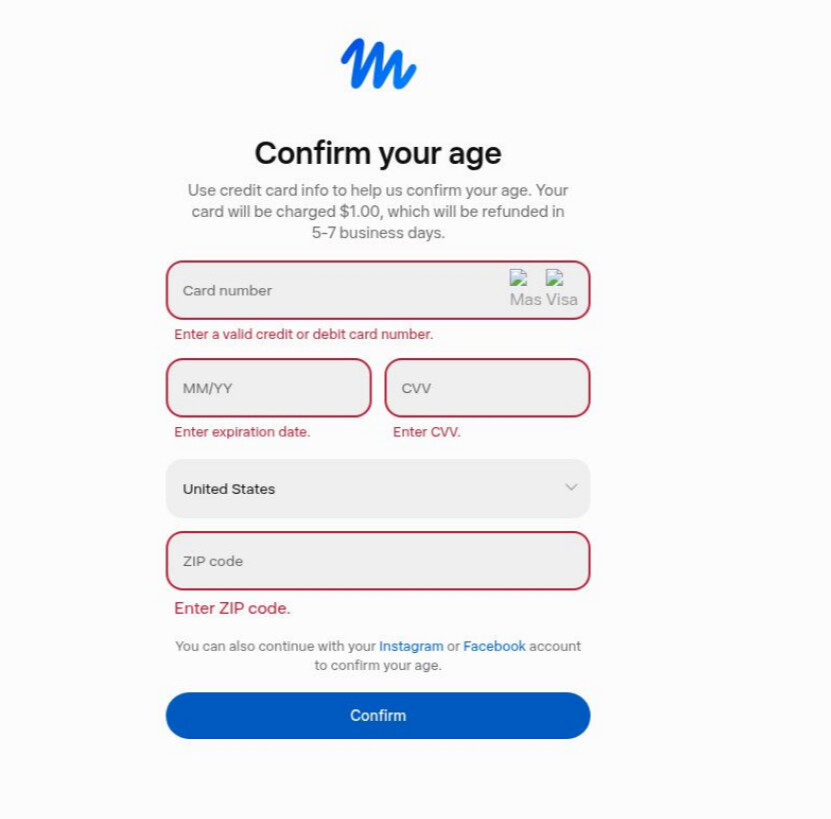
Hey everyone, this mainly explains how to register. You need to register before you can claim the TOKEN!
First:
【AFF】Register | Cloud Browser API for AI Agents & Web Fetch | Lexmount
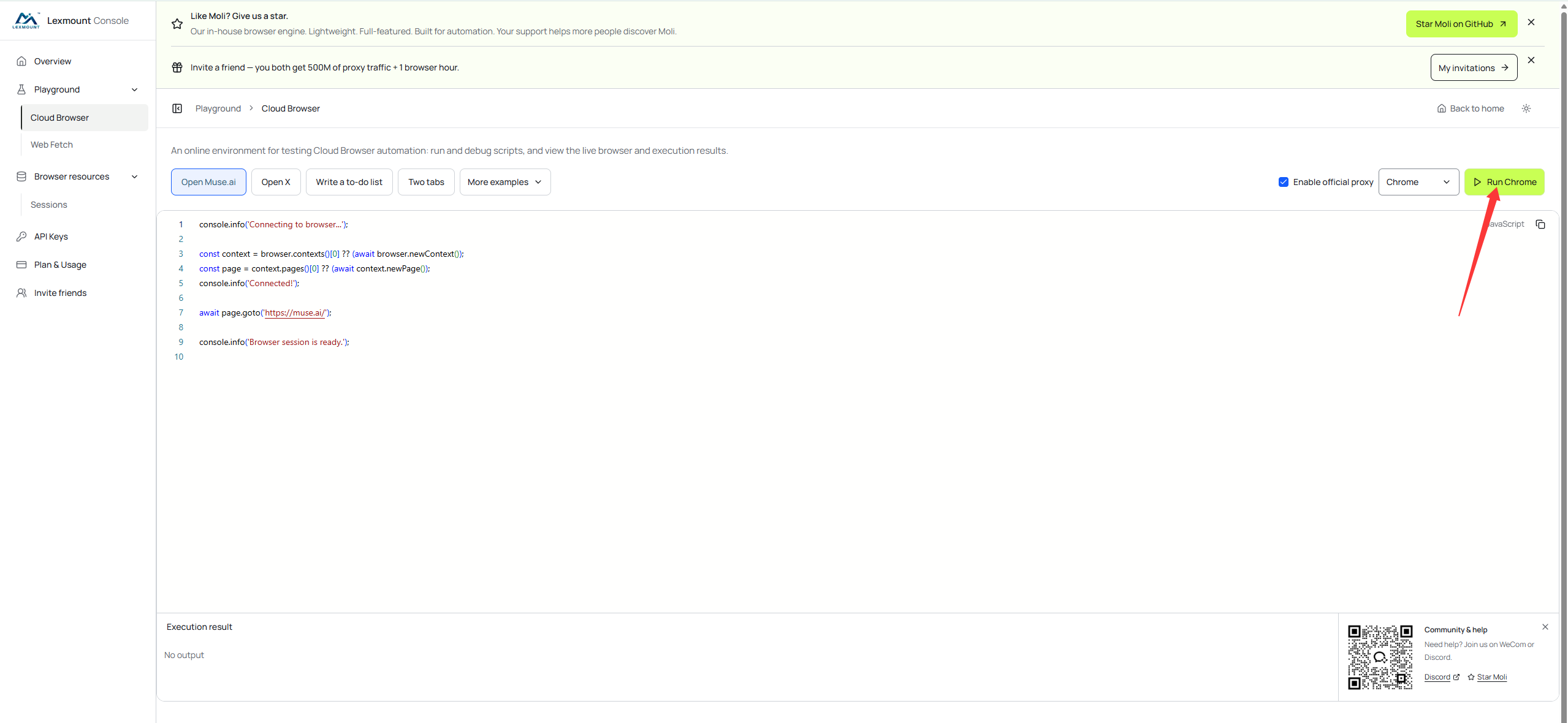
Register at this website. After logging in, click “Run Chorme” on the right side of the screen (as shown in the image)
Enter the registration email address and verification code in this window.
Congratulations, you’ve registered successfully!
Then claim 1 billion first:
You can now log in to Muse in your local browser. Just open Magic Login!
Click the invitation/gift-pack button in the top-right corner.
Enter the invitation code: WIXAVU (valid for 48 hours! Limited availability, first come, first served!)
Congratulations, you’ve received 1 billion Tokens!
Then claim another 3 billion (requires a VPN):
Send your Muse invitation code to this bot—the rest will be handled automatically. You can use it for free by entering through the link below.
 【AFF】Telegram: Launch @satudigitalbot
How to use it:
- Open the link above and click “Start” → receive 3 billion reward tokens (10 billion if you don’t enter through the link)
- Select the
 MuseAI token menu
 - Send your invitation code WIXAVU (valid for 48 hours!)
- Wait a moment—the tokens will be deposited into your Muse account
If you have any problems during the process, feel free to leave a message and ask!