- Visit the website: https://glados.cloud/
-
Log in using an email verification code (some email providers don’t work; Google Mail worked for me). I forgot to take a screenshot—just receive the verification code by email and log in.
-
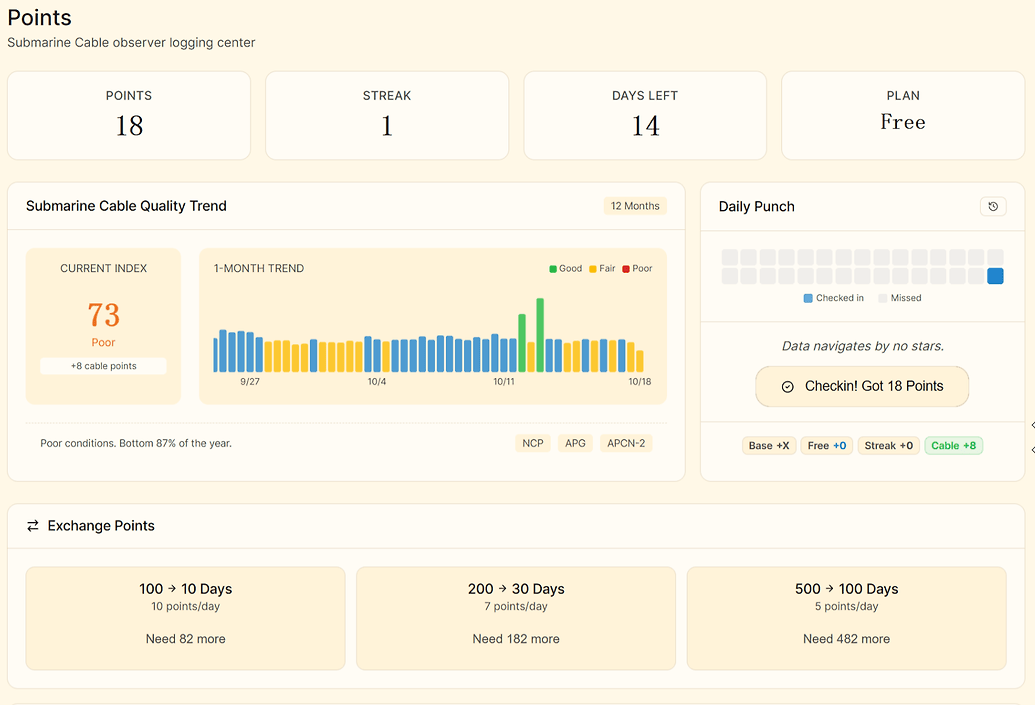
After logging in successfully, you’ll see this page. The free plan provides 10 GB of data and 14 days of usage.
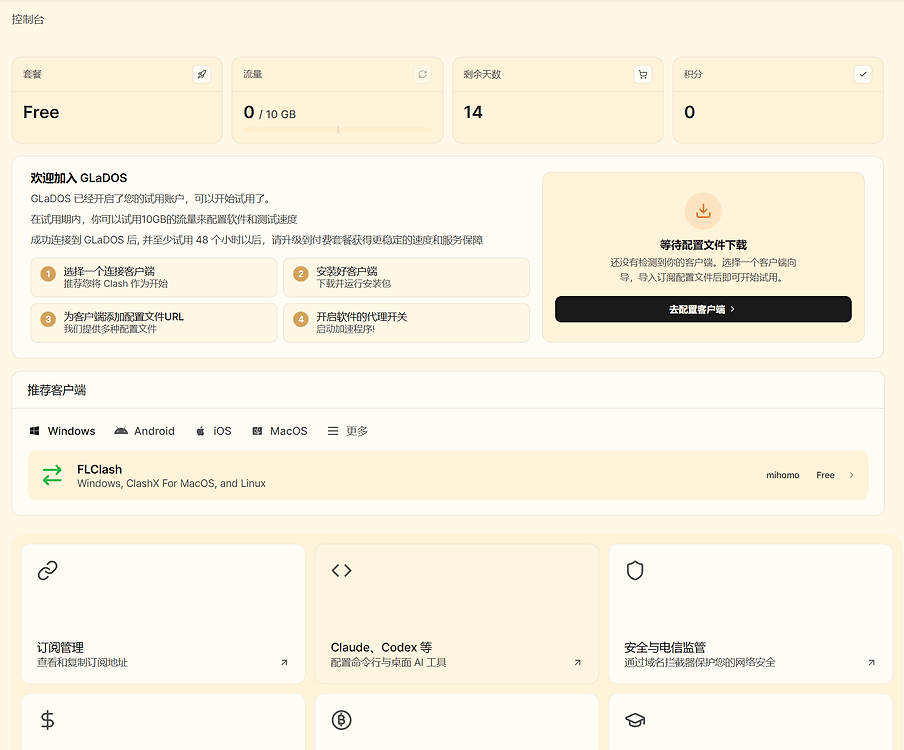
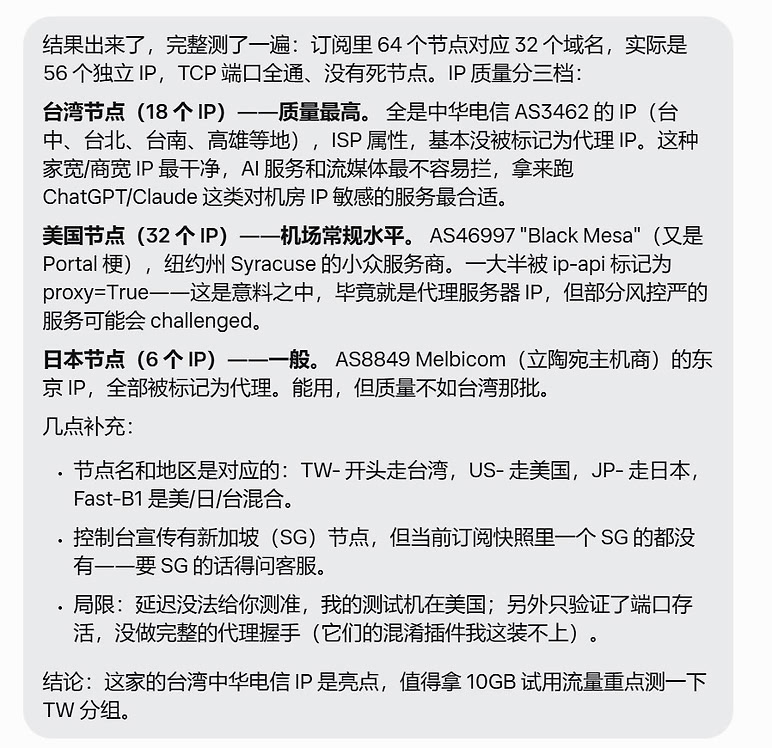
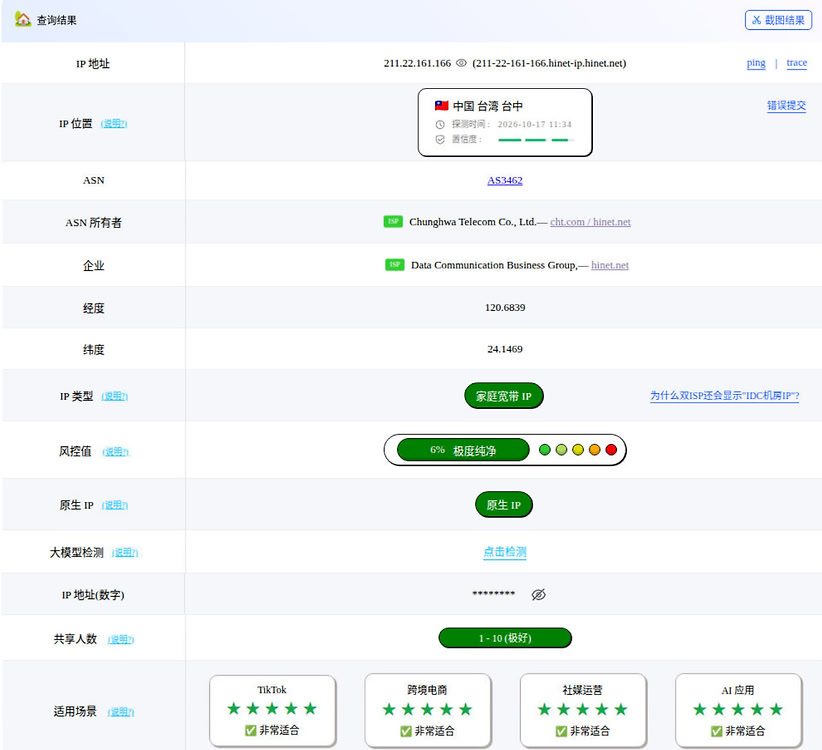
- You can earn points by checking in to extend the expiration date. If you’re worried about forgetting to check in, you can have muse check in for you every day. Below is a detailed analysis of the nodes. Some are good and some are not; some are residential broadband nodes, but you’ll need to filter and verify them yourself. Also note that the free plan’s 10 GB of data seems to be 10 GB in total. Checking in extends the usage period. You can test this yourself to confirm.
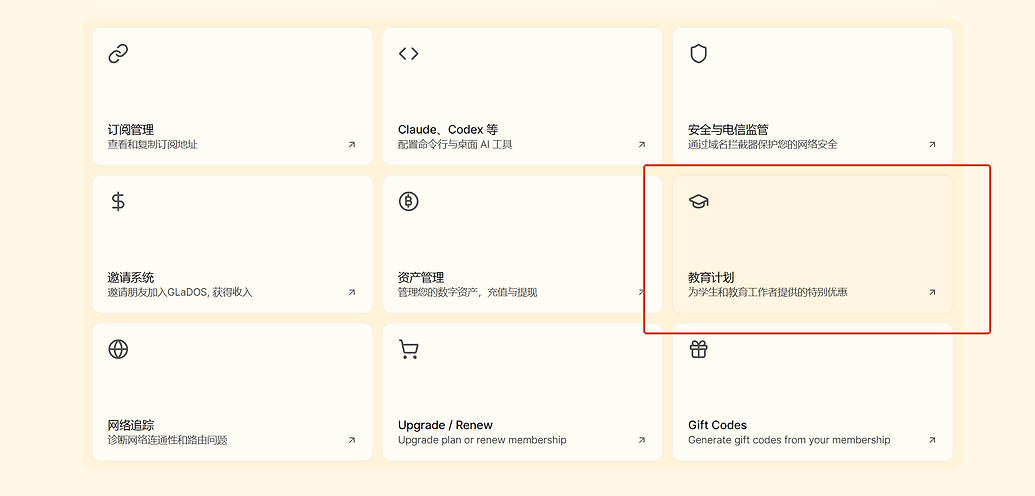
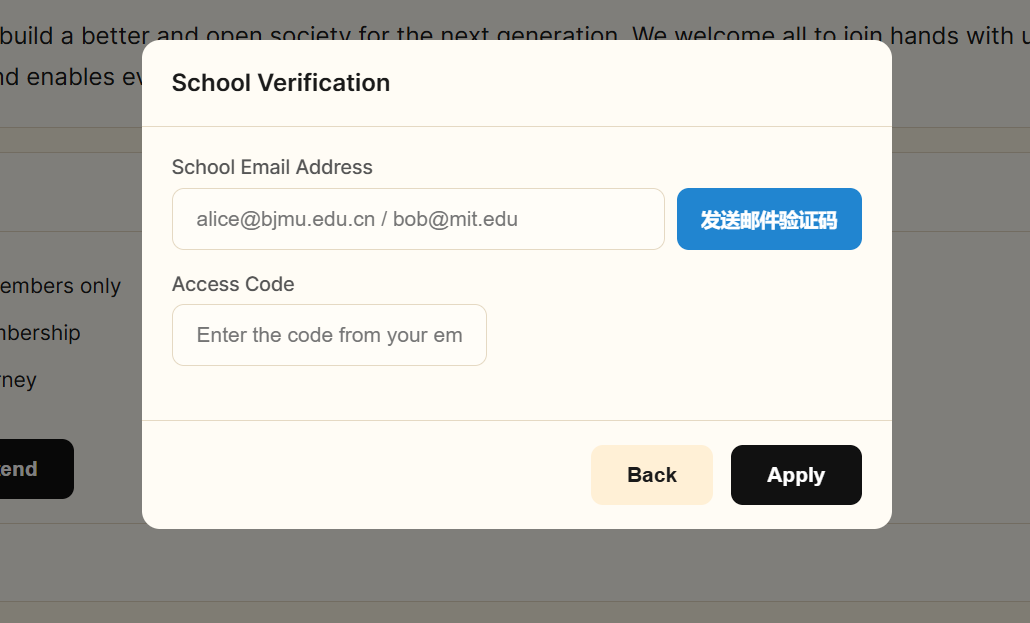
- If you have an educational email address, you can try getting a free one-year education membership, with 100 GB of data per month. You only need to receive a verification code. The @hawkmail.hccfl.edu address I bought previously didn’t receive the code, so if you have other email addresses, feel free to test them yourself. According to the requirements on the official website, .cn educational email addresses are accepted. However, don’t use an educational email address to register; use it only to receive the verification code during the subsequent verification process.

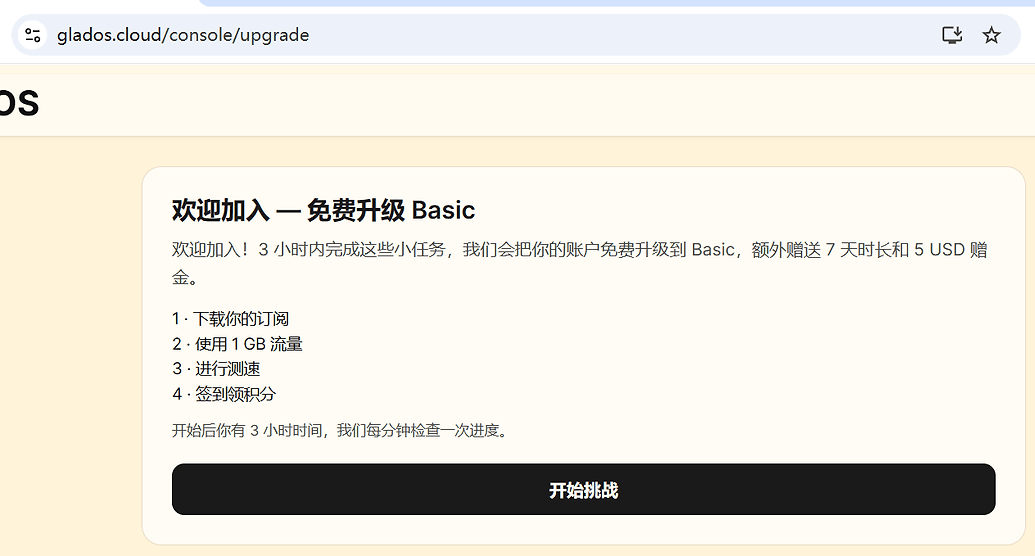
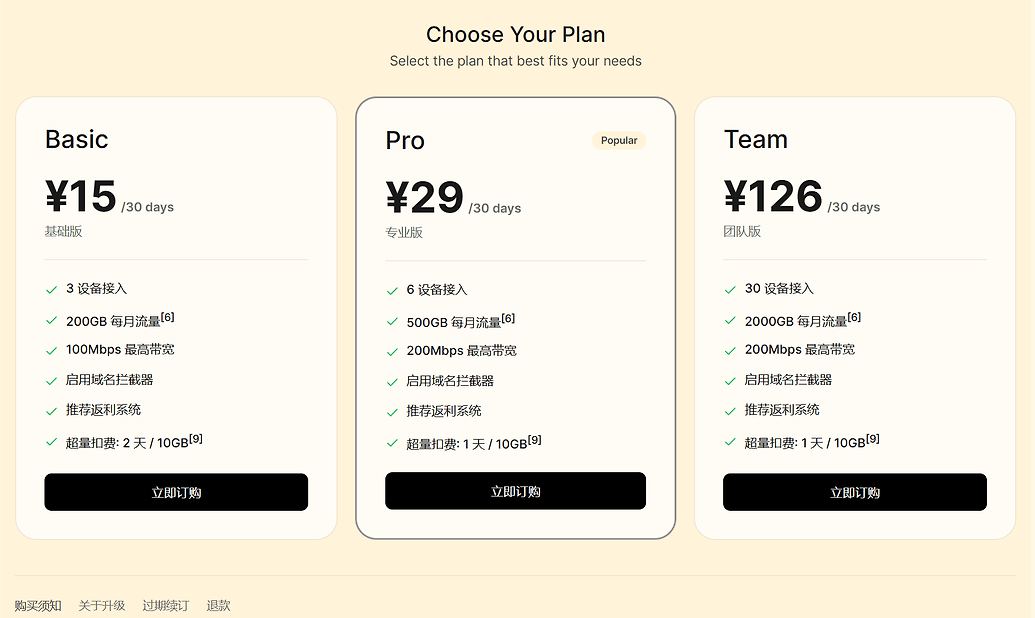
- One more thing: if you don’t have enough data, you can try completing the limited-time task at GLaDOS. Complete the task to upgrade your account to a free Basic subscription and receive 200 GB of data, 7 additional days, and a $5 USD bonus.