Claude, how do you all avoid risks? I’m numb at this point.
Use NodeCloak in a clean environment, and don’t switch nodes frequently. When registering an account, use a clean node—preferably a residential broadband connection. Don’t switch nodes frequently after registration. This way, you won’t need KYC and your account won’t be banned.
NodeCloak download https://nodecloak.com
So does that basically mean keeping a computer running the node continuously without ever turning it off?
No need—just launch NodeCloak and use it there.
Hey, is this tool really useful? I’d like to subscribe to Claude too.
Anyway, I’m using it, and it’s rock solid.
So this is checking whether the current computer environment meets Claude’s requirements, right? If everything looks fine after the check, can I open the Claude client and log in?
Enable the app proxy to route Claude through a dedicated proxy.
I know the proxy definitely has to be enabled. What I mean is, does this tool have to keep running the whole time in order to use Claude? So you can’t close it, right? Is it basically an independent, clean environment where Claude runs?
Yes, it needs to stay on all the time.
Thanks, boss. I paid through Google Pay—can I get a refund after my account is banned?
Google payments are non-refundable; iOS refunds the first purchase.
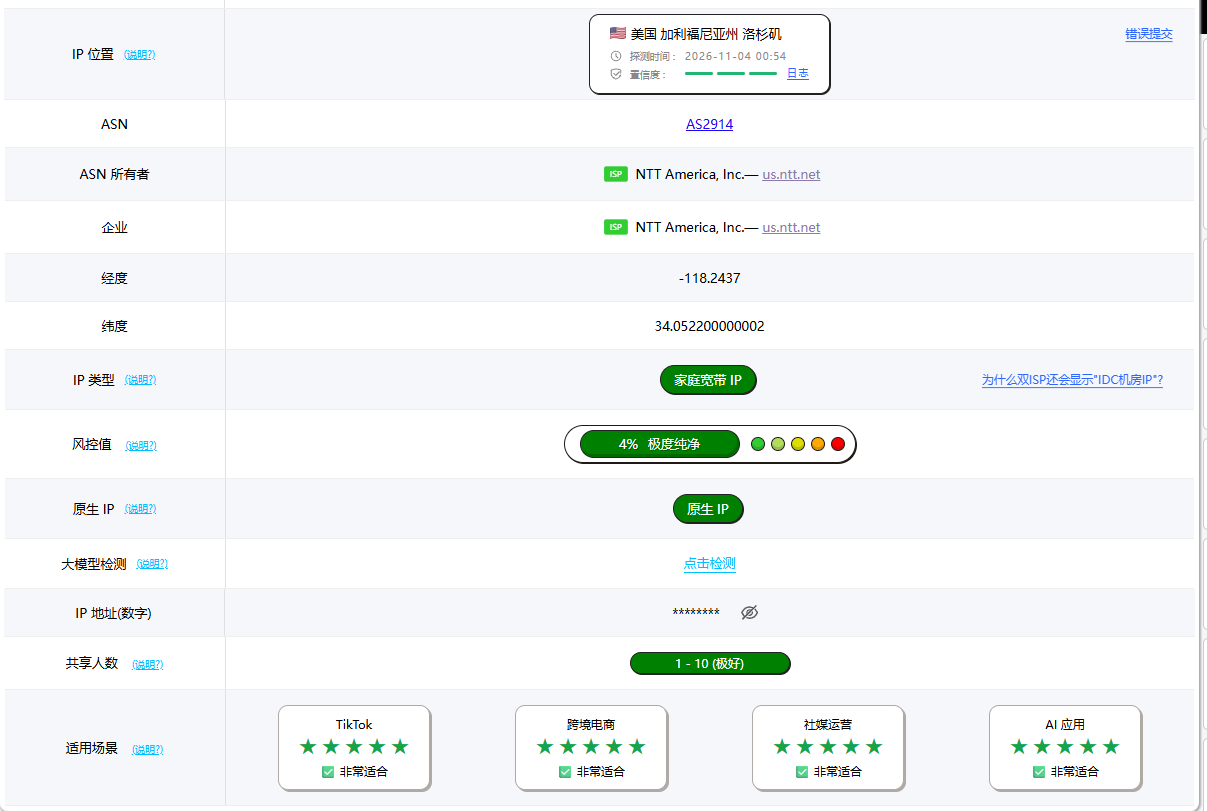
There’s no need for a residential IP; what matters is that the node is stable, and it absolutely must not connect directly using a domestic IP. So you need to keep the tool running continuously.
Okay, so a data center IP works too, right? As long as it hasn’t been abused, that’s fine, right?
Yes, I’m using an IDC IP—it’s very stable.
Okay, thanks! Hope you don’t mind me going on—I’d like to ask one more thing: I’m using Windows 11. Do I need to change the time zone, language, or anything like that?
Open the tool and select “Repair Environment”; make sure the time zone matches the node.
Okay, thanks, boss. Appreciate your hard work.