Everyone knows what optimal routing means: finding the CDN node with the fastest connection to your network.
Previously, we could only search passively. So why not do the opposite and proactively tell you which node is optimal for your network?
NODEPEND was created to solve this problem.
We use users’ probing clients to identify the node best suited to a particular region and ISP, then assign the corresponding node to that region via DNS resolution.
How to enable it
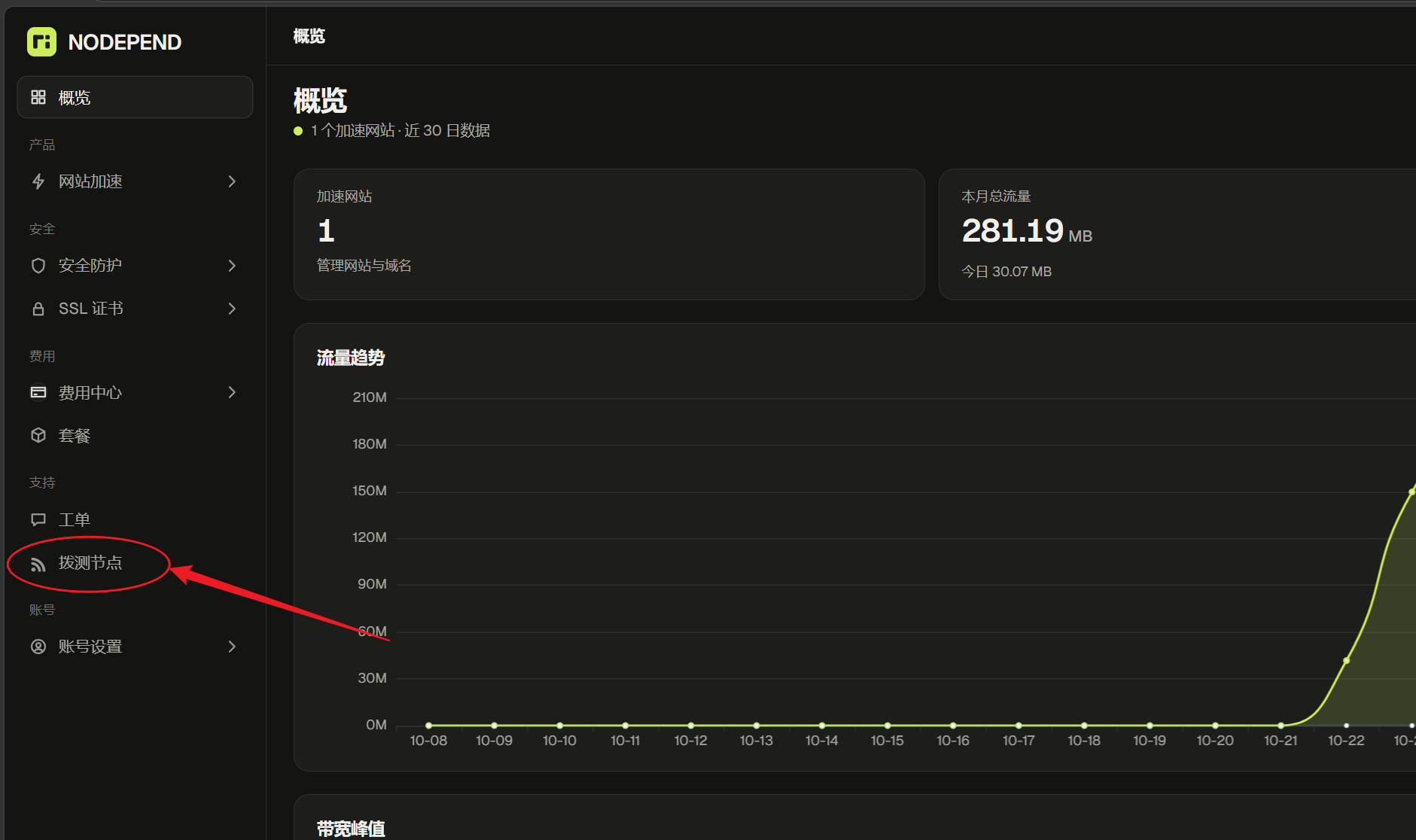
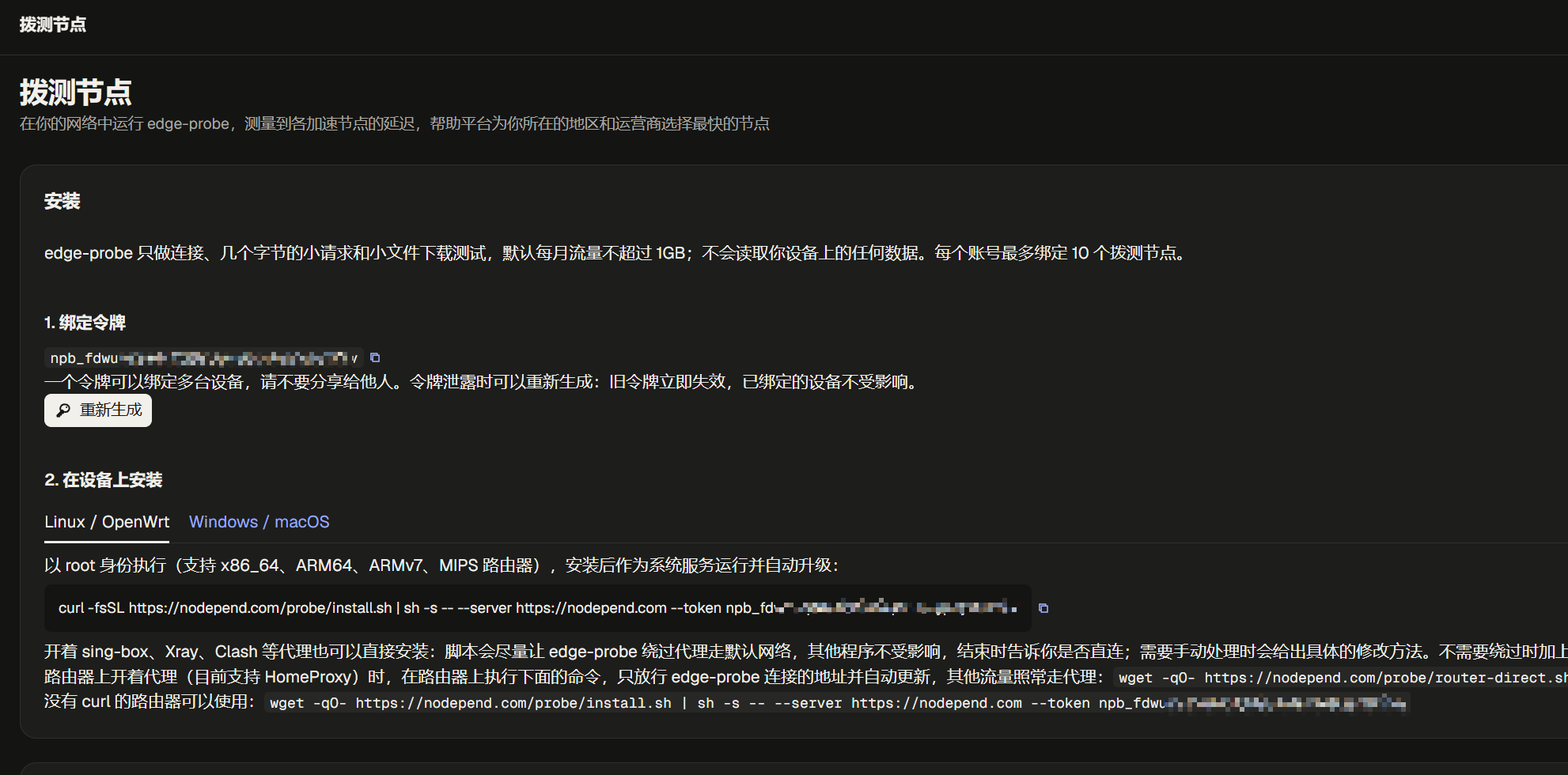
Open the probing nodes section in the control panel and generate your personal token.
If you’re using a software router, you can run a Linux command to install it directly.
If you’re using Windows or macOS, simply download and install the corresponding software.
Once installed, the probing node will perform a low-volume test every few minutes to determine which node is most suitable for your network.
Each probe uses approximately 30 KB of traffic, with one probe conducted per minute. Total monthly usage is expected to be around 1.4 GB.
The source code for our probing tool is public. The repository is at GitHub - nodeloc/edge-probe: NodePend latency probe agent: measures latency to edge nodes from your own network · GitHub
The system is still being tested overall, so feel free to try it out.
Probing is not without benefits, of course: users who participate will receive corresponding CDN traffic rewards. Probing rewards do not need to be claimed manually and cannot be used separately. The system settles them monthly and automatically adds them to your plan’s traffic allowance.
1. Accumulation during the month
- For each valid hour that the probing agent remains online, one reward is calculated based on the probe’s nominal traffic allowance.
- At least half of the reports submitted during an hour must pass node verification for that hour to count as valid.
- Only one reward is counted per hour for the same subnet, and it is split evenly among users on that subnet.
- The “Probing Rewards” panel on the user-side “Probing” page displays the valid duration for the current month, the estimated reward, and the monthly limit.
2. Settlement at the beginning of the following month, credited automatically
- The previous month’s rewards are issued in a single payment at the beginning of the following month, up to the monthly limit.
- The system will look for a still-active recurring plan with a monthly or total traffic allowance. If there is more than one, it will choose the one with the latest expiration date.
- The reward is recorded as “negative usage” for that plan, effectively increasing its available traffic by the corresponding amount.
- For plans with a monthly traffic allowance, the reward is added to the settlement month’s allowance, resets at the end of that month along with the monthly usage counter, and cannot accumulate across months.
- For plans with a total traffic allowance, the reward remains valid until it is used up.
3. When there is no plan with a traffic allowance
- If a reward plan has been configured in the control panel and you meet the required valid duration for the month, the system will directly activate or renew a plan named “Probing Reward” for you. In this case, the reward is issued as a plan rather than as additional traffic.
- Otherwise, the reward is retained until the end of the following month. If you purchase a plan with a traffic allowance during this period, the reward will be credited automatically.
- If you still do not have such a plan by the end of the following month, the reward expires.
- The reward is forfeited if the account has been deactivated or all probing agents have been banned.
How to use it: Bind the website to the plan receiving the reward, then simply use your traffic as normal. The node determines the remaining traffic as “allowance minus usage,” so the reward is deducted automatically. Each month’s distribution results are listed in the records table on the “Probing” page, including which plan received the reward or why it was not issued.
For example: November’s reward is credited at the beginning of December. If the receiving plan has a monthly traffic allowance, that traffic can only be used during December.
