First of all, congratulations to loc.cc on successfully joining the PSL 
Over the past few days, while browsing the forum, I noticed that many NLers ran into problems when trying to connect loc.cc to Cloudflare Pages. The core issue is actually Cloudflare’s external domain verification mechanism, so I’ve organized the method I used here for everyone’s reference.
Steps
-
Modify the domain’s NS records in Yunamo
First, change the NS addresses for
xxx.loc.ccto the addresses provided by AnyNS:ns1.anyns.ioandns2.anyns.ioWe set the external NS first to avoid wasting time waiting for the NS changes to take effect. During this time, we can add the domain to AnyNS.
-
Add the domain in AnyNS
Go to anyns.io and add the
xxx.loc.ccdomain from the previous step.
-
Add the custom domain in Cloudflare Pages
I’ll assume you’ve already created a Pages project. Add a custom domain and enter the complete
xxx.loc.ccdomain.
-
Return to AnyNS and add a CNAME record
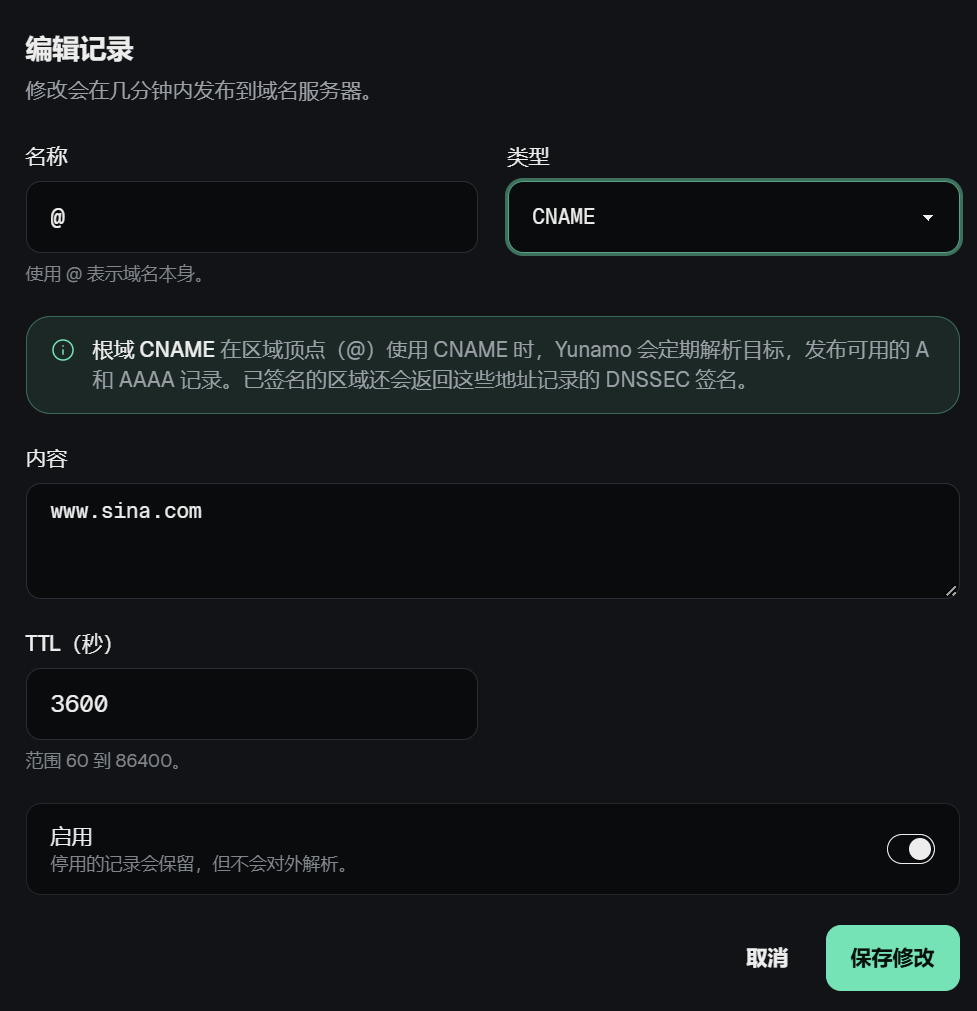
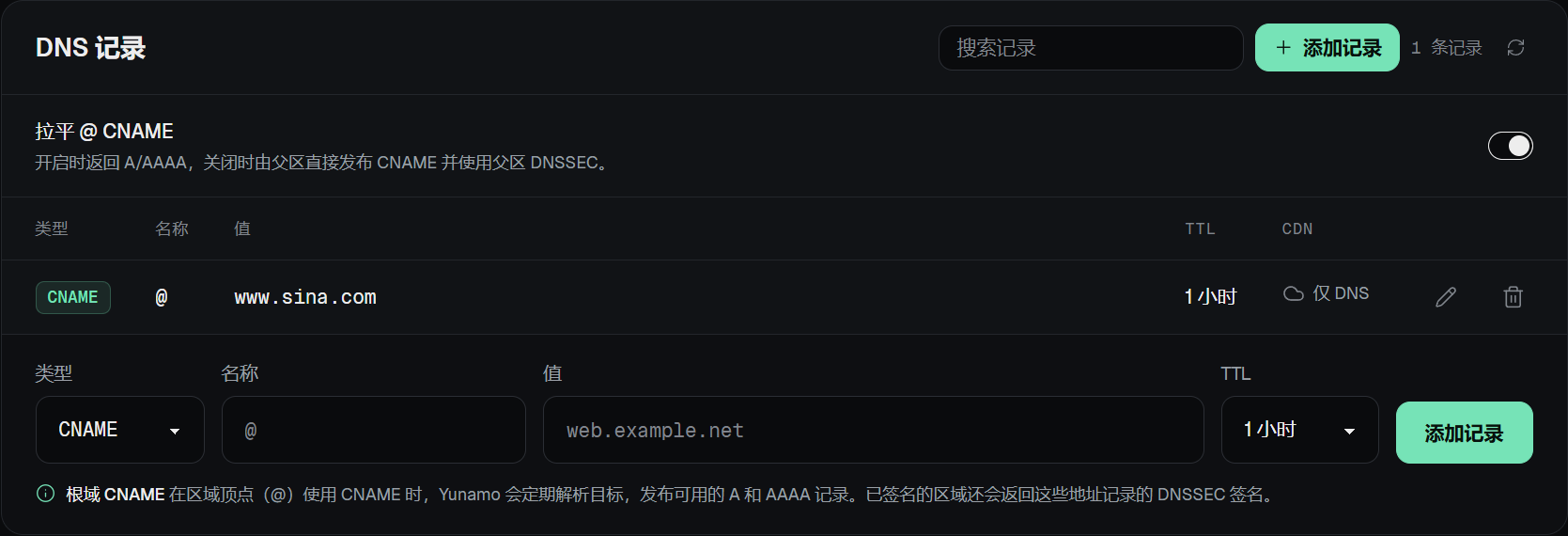
Set the record name to
@, chooseCNAMEas the type, and enter your Pages project domain as the record value. For the root domain handling method, select “Return CNAME directly”; otherwise, Cloudflare Pages verification will fail and the certificate cannot be issued.
-
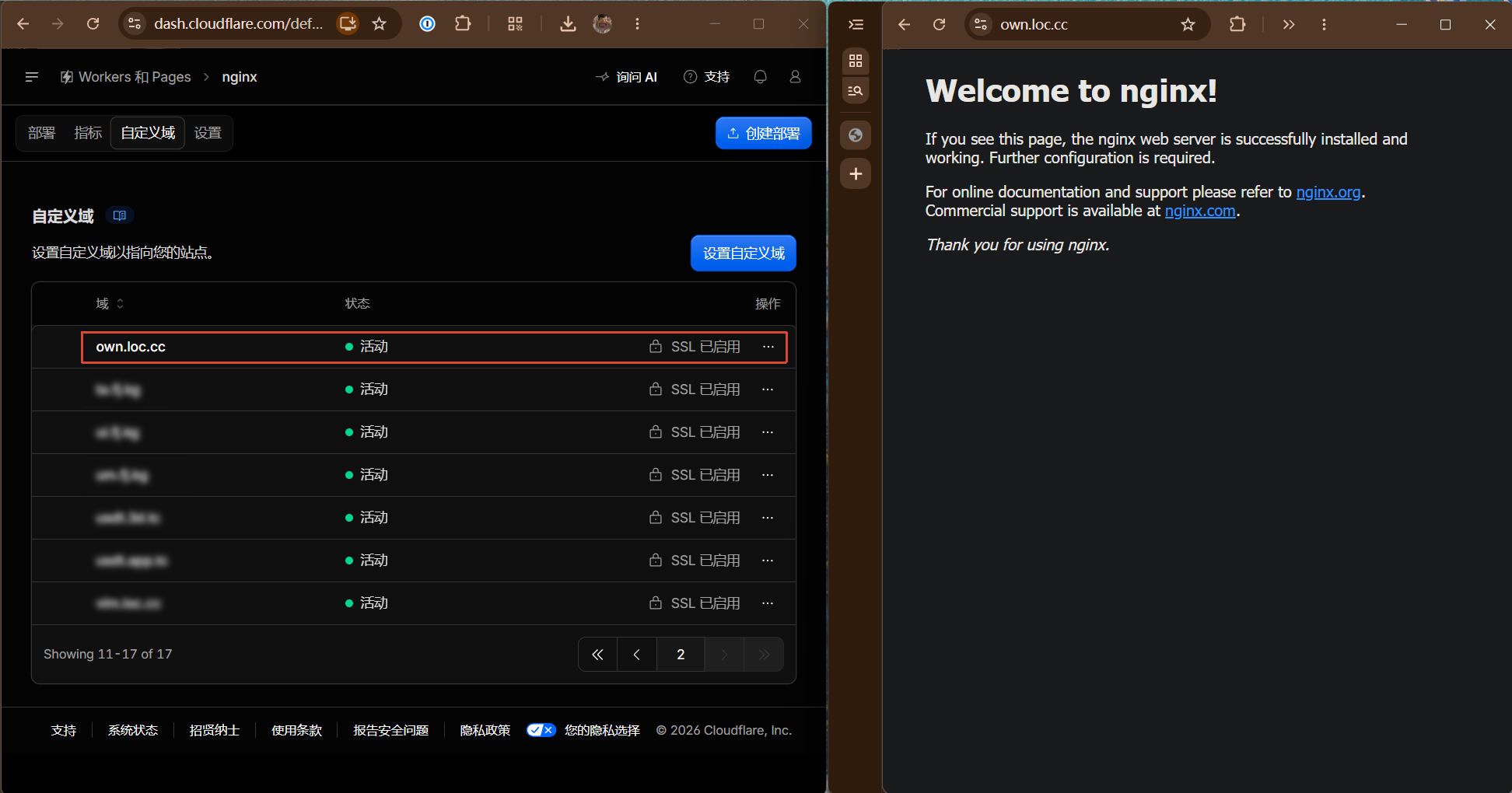
Wait for Pages to show the domain as active
Once the status of the Pages custom domain changes to “Active”, you’ll be able to access it through the
xxx.loc.ccdomain, and Yunamo’s health check should also pass without any problems.
Explanation
When Cloudflare Pages verifies an external domain, it checks whether the value returned by your authoritative DNS is the Pages domain it provided. Many DNS providers now enable CNAME flattening by default. This causes Cloudflare to receive a resolved A/AAAA record instead, resulting in verification failure and preventing an SSL certificate from being issued. Therefore, we need a provider that can host a second-level domain, allows the root domain to use CNAME, and can return the original CNAME directly without flattening it.
However, our approach here is non-standard and has two limitations:
-
DNSSEC cannot be enabled. Once enabled, the
CNAMEconflicts with the signatures forSOA / NS / DNSKEY, causing public DNS resolvers worldwide to reject the resolution directly. -
It may affect other records on the root domain
@. Some resolvers that strictly follow the protocol may ignore other records at the same level (MX,TXT, etc.) after seeing aCNAME; lower-level subdomains will not be affected.
Also, once verification has succeeded, don’t re-enable flattening, or subsequent certificate renewals may fail.
That said, if you’re only using it to host Pages, it won’t cause any problems. You might be thinking, “Wouldn’t it be enough to just wait for Cloudflare to merge PSL? Why go through all this?” Well, umm, you probably still have an .adc.sd domain that needs to be kept alive.