Muse No Waiting in Line: Step-by-Step Guide to Registering in One Minute!

Muse has been going way too far lately—it’s been dominating the iOS US App Store charts for days. It has even outperformed ChatGPT and single-handedly driven up Meta’s stock price.

Many people rushed to the store to download and sign up, only to run into one of these situations:

  1. Unable to use it
  2. Added to the waiting list and awaiting notification

Next, I’ll show you the fastest way to sign up, skip the queue, and start using it immediately!

Preparation:

You’ll need a Google AI Pro account. I assume most people here already have one, so I won’t go into that. If you don’t have one, you can simply buy one on Xianyu for 4.99.

Open Gemini’s web version and click Spark next to Chat.

You can also jump there directly with one click:

In the window, send: Help me open Google in the remote browser

After allowing the permissions and handing over control, you’ll have opened a cloud computer.

Simply enter Muse’s registration URL:

and start signing up.

After verifying your email, you’ll also need to verify your age and may need to link a bank card. (Some people can skip this step.)

Find a bank card that can pass the authorization check. In my tests, China Merchants Bank’s multi-currency credit card worked; Hong Kong cards and U cards work too.

China isn’t available under Country and region, so I selected the United States. ZIP code reference: 97201

Once you’ve linked the card, you’ll enter the page.

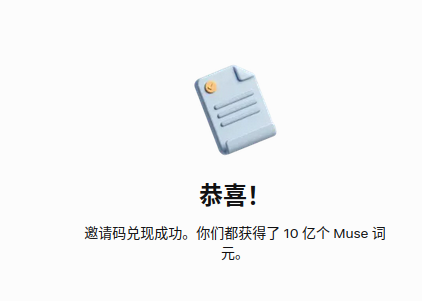
If you successfully register, the free version’s quota may not be enough. In Settings > General, you can find a field for entering a redemption code. Enter 2XFGDT to receive 1 billion tokens for free. These tokens never expire, which is an amazing deal!
13 Likes

The last sentence—the art of language, haha~

2 Likes

Give it a try.

1 Like

30 uses remaining; anyone who needs one can take it.
Invitation code: 6X9F3D

1 Like

Come check out your personal AI agent, Muse. Redeem my invite code in “Settings” within 48 hours of joining, and we’ll each receive 1 billion Muse tokens.

Invite code: 7Z178H

Sharing a Muse invitation code: LVX91O

How to redeem: First, register at muse.ai/join, then open 「Settings」 → 「Redeem Invitation Code」 in the Muse App and enter LVX91O within 48 hours of joining. Both the inviter and the invitee will receive 1 billion free tokens. Enjoy~

1 Like

H89J8P, use it directly

1 Like

I’ll give it a try at work tomorrow.

1 Like

Thanks, OP!
Sharing an invitation code: T3GJFD
Within 48 hours of joining, redeem the invitation code through the app’s “Settings,” and we’ll each receive 1 billion Muse tokens.

1 Like


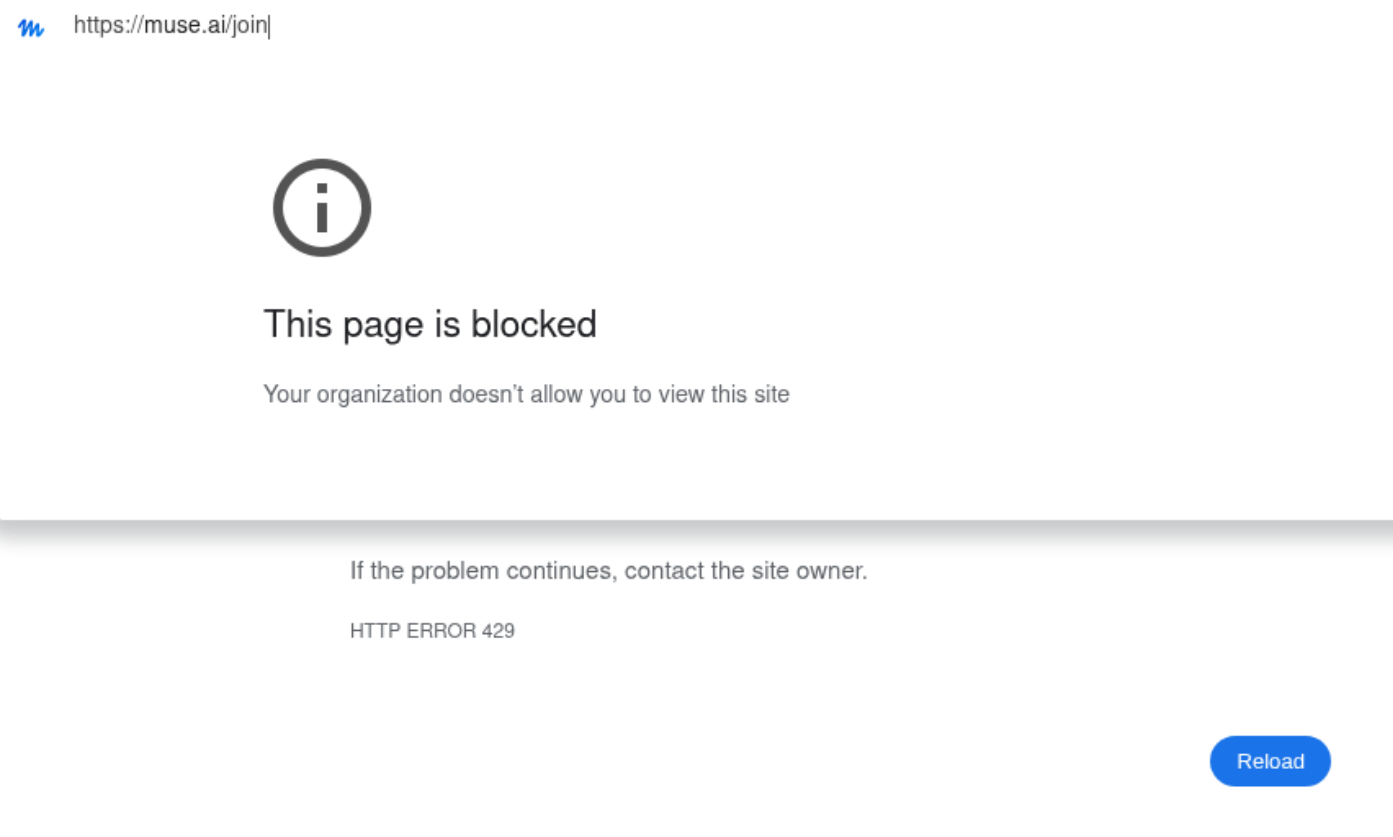
I can no longer access the Muse official website.
It’s showing a 429 error.

Sorry to hijack the thread, but there’s another method in my post.

I succeeded and wrote a tutorial

2026年9月27日19:21实测注册muse成功教程

Come check out your personal AI agent, Muse. Redeem my referral code through “Settings” within 48 hours of joining, and we’ll each receive 1 billion Muse tokens.

Referral code: JCQ96N
Muse from Meta

My invitation code works
HBY6A8

Invitation code: S6DED5


Huh, I didn’t do anything—I just opened the website through a VPN and entered my email, and I was able to claim it right away?
Could it be because I signed up for Facebook?

Sharing a muse.ai invitation code: 1GJ1UU. Redeem it in Settings within 48 hours of registering, and both sides will receive token rewards.

1 Like

Congratulations, your registration was successful!

Thanks, just borrowing this thread. Once you’re done, you can use my

invitation code: 1S17NE

Come check out your personal AI agent, Muse. Redeem my invitation code via “Settings” within 48 hours of joining, and we’ll each receive 1 billion Muse tokens.

Invitation code: 07S9BO
Muse from Meta, save one