Muse has been quite popular lately, so I thought I’d sign up and give it a try. I looked for a registration guide on the site.
After looking into it, there are two key points when registering for Muse:
You need a browser with a U.S. environment; otherwise, it will say that the service is not available in your region and ask you to join the waitlist (do not join the waitlist under any circumstances). (A clean U.S. residential broadband node may also work.)
After successfully registering, you need to verify your age. There are three methods:
Link a card, get charged, and then receive a refund 2. Link an Instagram account 3. Link a Facebook account
Registration guide tested in practice
This requires Gemini Spark, and you need a Gemini Pro membership. If you don’t have one, you can buy one on Xianyu; it isn’t expensive. If you can, you can also get a Gemini Pro membership yourself.
Enter the following in the window: Help me open Google in a remote browser. This will give you a browser with a U.S. environment.
Click Allow wherever prompted. It will then let you take control of the browser. Enter the Muse registration URL in the browser and open it. (If you get a 429 error, try several more times. I encountered it too; try again later.) Muse from Meta
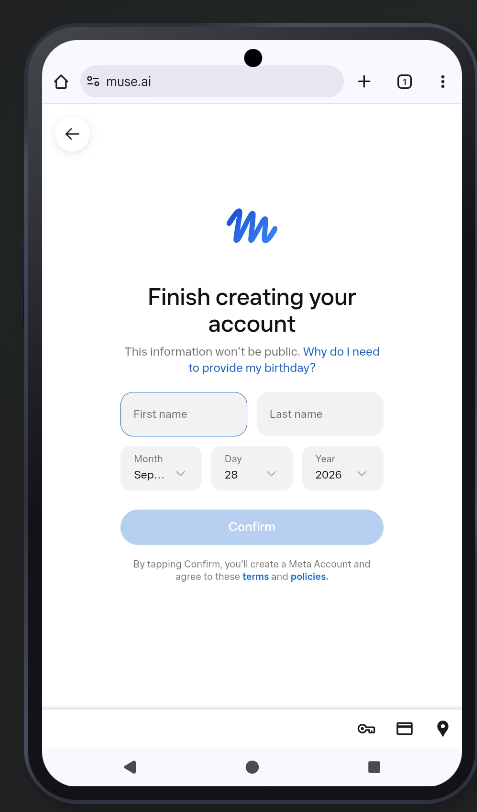
Enter your email address to register and receive the verification code. After registration, you will be prompted to verify your age.
At first, I tried linking my Facebook account, but although I could log in to Facebook successfully, it said that the profile was unavailable as soon as I tried to link it. I don’t know why.
In the end, I passed verification by linking a China Construction Bank Long Card e-Pay Visa card. Domestic Visa cards should generally work.
Fill in all the bank card information. If you don’t know something, you can check it in your bank’s app.
China is not listed as a country, so select the United States and enter 97201 as the ZIP code. Any ZIP code from a tax-free state should work.
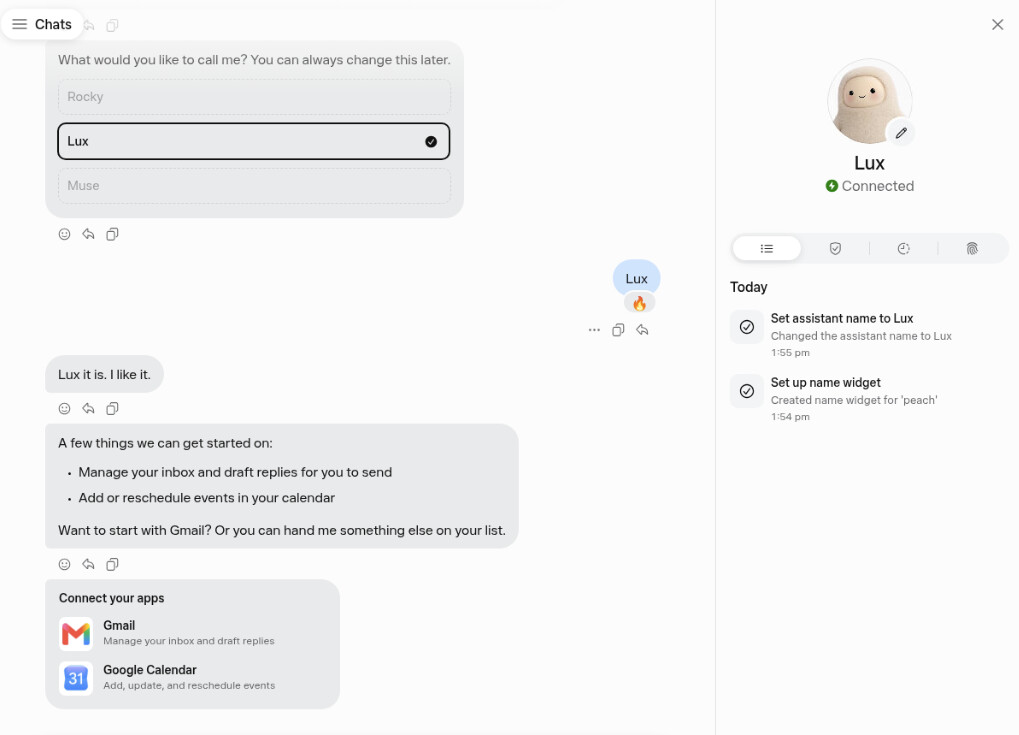
After registering successfully, you can enter the chat page.
Notes
Do not join the waitlist. Otherwise, you will need to register with a different email address.
I chose to register with an email address. If you have Ultra Mobile or Google Voice, you can use a U.S. node locally and register with a phone number.
After successful registration, go to Settings > General. The option to enter an invitation code will appear when you log in locally.
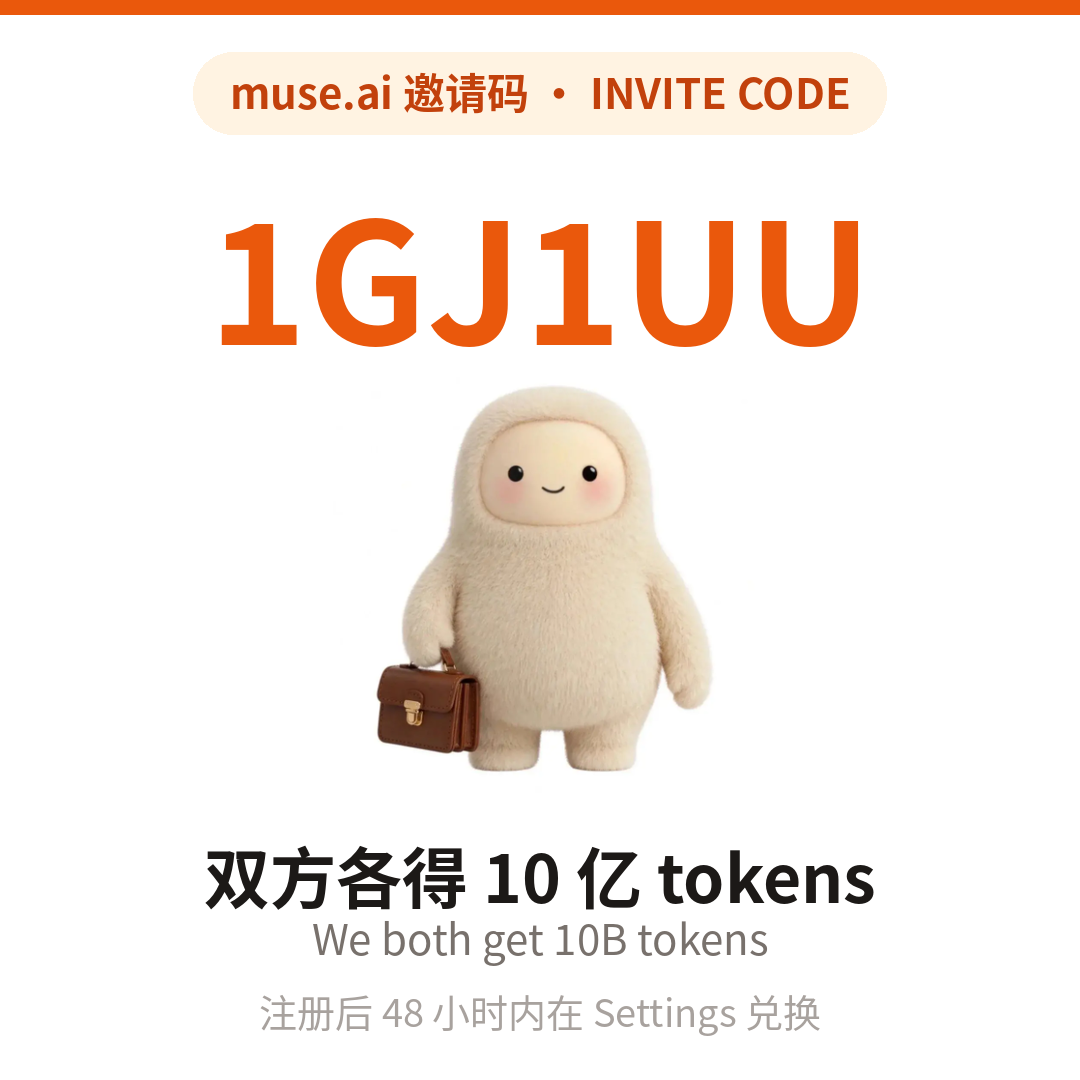
Those who successfully register can enter my invitation code JCQ96N. Both parties will receive 1 billion permanent tokens. Note that you must enter it within 48 hours of successfully registering to claim them.
The entry location is Settings > General > Redeem invitation code in the lower-left corner.
Come check out your personal AI agent, Muse. Redeem my invitation code through Settings within 48 hours of joining, and we will each receive 1 billion Muse tokens.
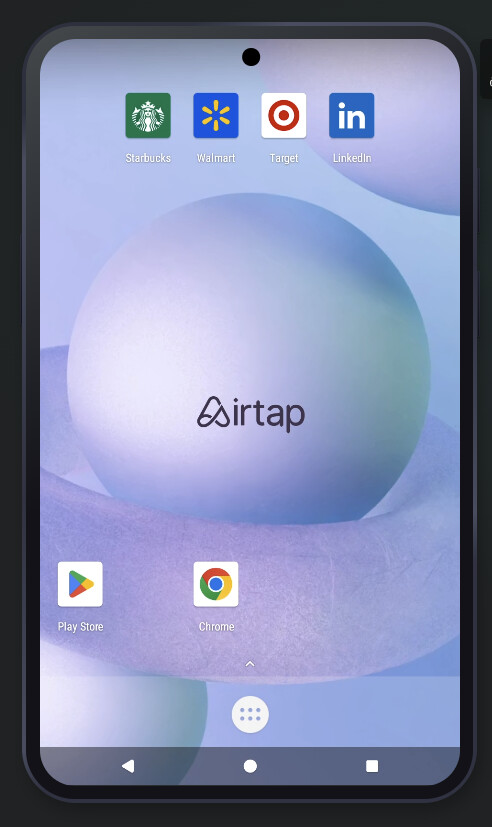
Open Chrome on the phone on the right, then open muse.ai.
Register with your email address.
Verify your age. Domestic Visa and Mastercard cards should both work; the charge will be refunded afterward. You may be taken directly to the screen below without age verification.
My situation is that I first signed up through Google Spark using my Gmail account, and it immediately told me I needed to link Instagram or Facebook. Although there was no option to link a card at that point, I simply couldn’t open the Instagram page. So I gave up and closed it. I then logged in on my phone using a regular proxy node, and it immediately showed me a waiting list. I’d tried this waiting list before, and it was definitely useless.
Then, a few days later, it suddenly worked—possibly because of Spark—and it now says I passed the waiting-list region’s verification. When I went in, it said I had three options, but in reality, after linking Instagram, I was also forced to link a card because it needed to verify my age. So I added that Hong Kong card I had set up before, and it charged me a dollar, which still hasn’t been refunded. I happily went in to claim the token, but it has already been over 48 hours, and I’m extremely frustrated.
Come check out your personal AI agent, Muse. Redeem my invitation code through “Settings” within 48 hours of joining, and we’ll each receive 1 billion Muse tokens.
Come check out your personal AI agent, Muse. Redeem my referral code through “Settings” within 48 hours of joining, and we’ll each receive 1 billion Muse tokens.
Thanks for compiling this. I successfully registered for Gemini Pro using a HornetPay card. I also used the invitation code (use Spark with caution—my account lost PRO status after 12 hours… it disappeared before the expiration date
Since I’ve already posted it, I’ll share my invitation code as well—it can still be used 30 times: Come check out your personal AI agent, Muse. Redeem my invitation code through “Settings” within 48 hours of joining, and we’ll each receive 1 billion Muse tokens.
For anyone passing by, here’s my Muse invite code: 0052YD. I checked on the evening of October 22; 27 of the 30 uses were still available. New users must enter the code within 48 hours of registering for Muse; expired codes are invalid. On the Muse mobile app: Settings → Redeem token; on the muse.ai website: Settings → General → Usage → Redeem invite code. The reward amount is whatever is shown on your redemption page.
Thanks to the original poster for the tutorial—I’ve registered successfully. I’ll share my invitation code here as well; new users are welcome to use it:
9WFA0Y
Within 48 hours of registering, redeem it under Settings → General → Redeem invite code. Both parties will receive 1 billion Muse tokens. My card shows that it can still be used 30 more times (2026-10-23).
Come check out your personal AI agent, Muse. Redeem my invitation code in “Settings” within 48 hours of joining, and we’ll each receive 1 billion Muse tokens.
Here’s a Muse invite code: COS1DT. Visit muse.ai/join, register, then within 48 hours go to Settings → General → Redeem invitation code and enter it. Both of us will receive 1 billion word tokens—tested and credited instantly.