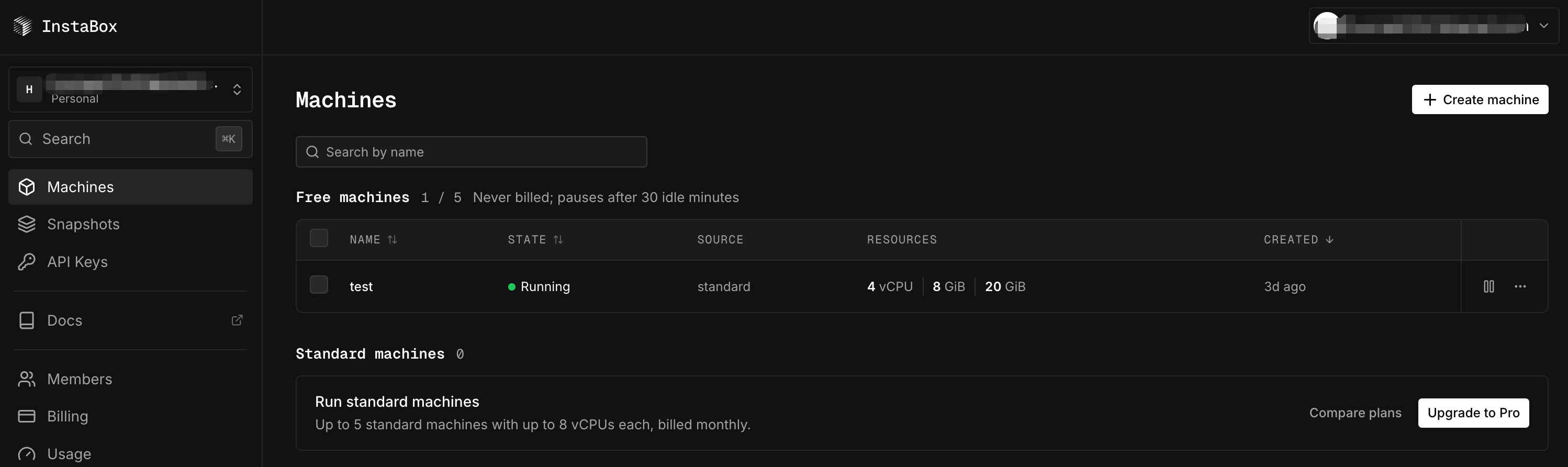
instabox.sh provides a 4-core, 8 GB host, but it automatically stops after 30 minutes of inactivity.
You can keep it alive with a scheduled CF task:
Create a Worker
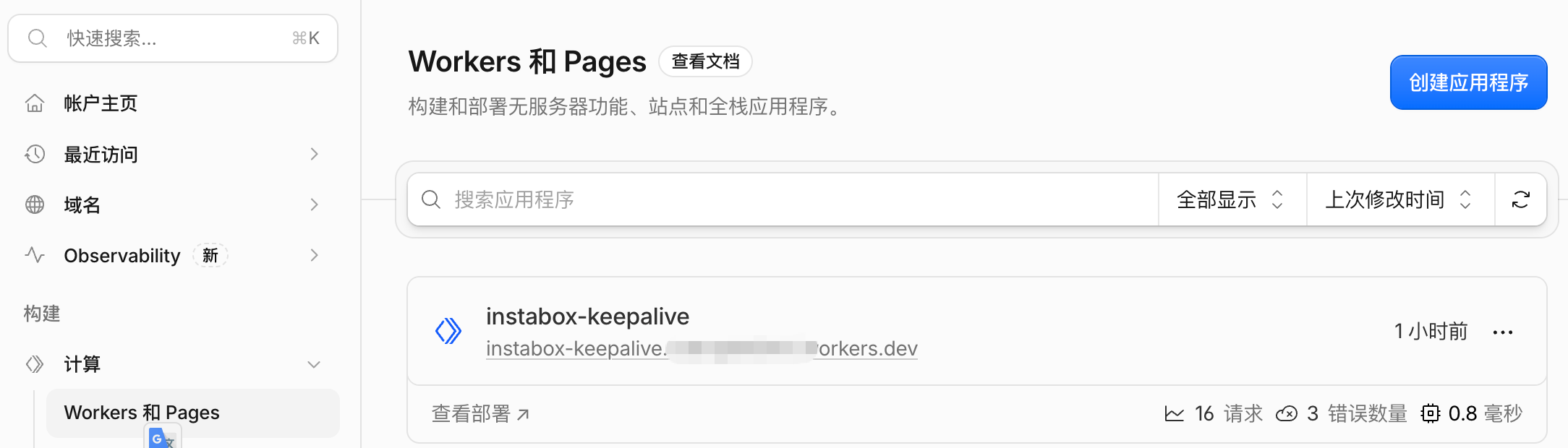
Select Hello World
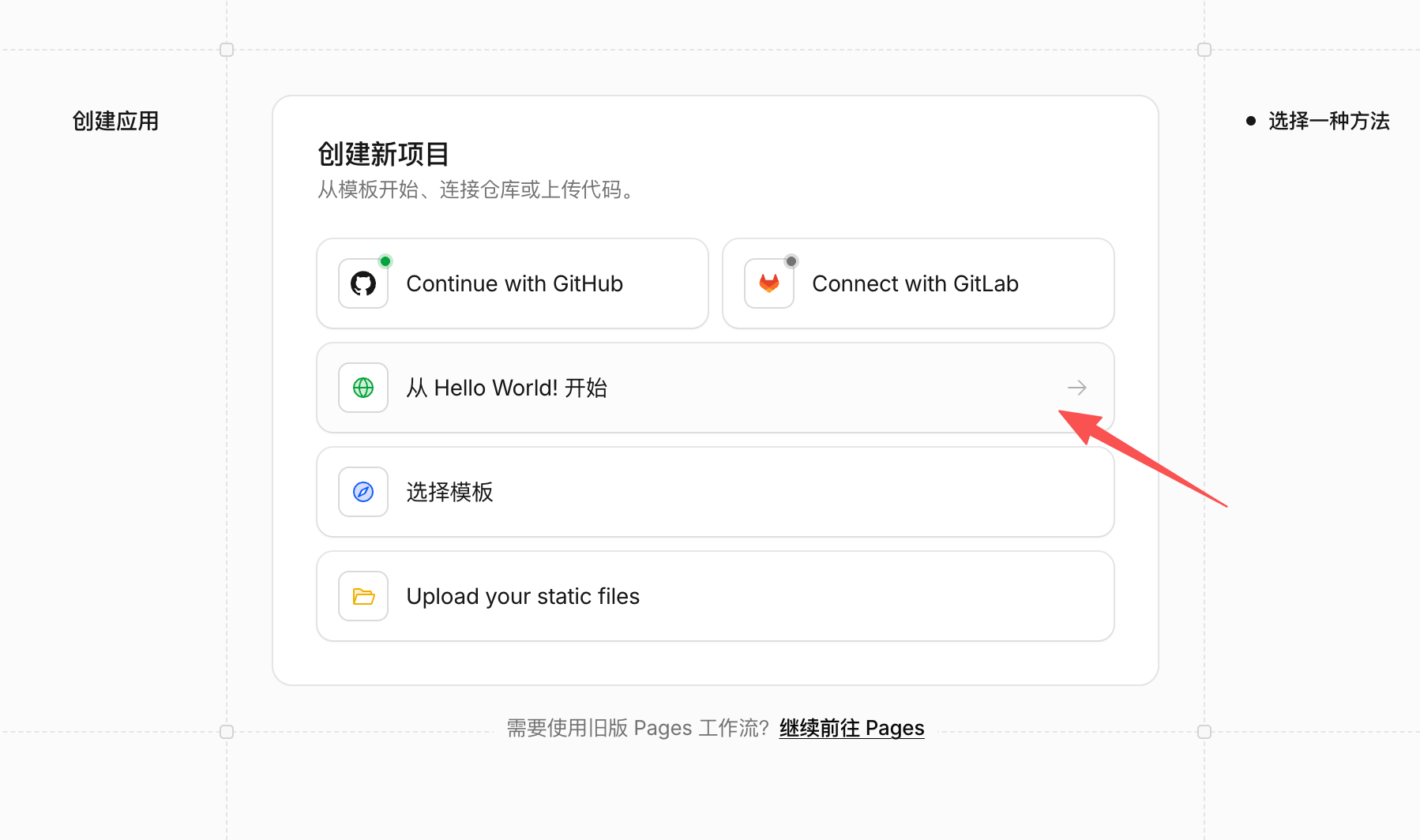
Create it directly, then edit the code, paste in the code, and redeploy it.
[upvote]
const API_ORIGIN = ‘https://api.instabox.sh’;
const ATTEMPTS = 3;
const REQUEST_TIMEOUT_MS = 55_000;
// Dependencies are injectable so offline tests never contact the real machine.
export async function runKeepalive(env, {
fetchImpl = fetch,
sleep = (ms) => new Promise((resolve) => setTimeout(resolve, ms)),
} = {}) {
const key = env.INSTABOX_API_KEY;
const machineId = env.INSTABOX_MACHINE_ID;
if (typeof key !== ‘string’ || !/^ibk_[A-Za-z0-9_-]+$/.test(key) || key === ‘ibk_REPLACE_ME’) {
throw new Error(‘Configure the INSTABOX_API_KEY secret.’);
}
if (typeof machineId !== ‘string’ || !/^m_[A-Za-z0-9_-]+$/.test(machineId)) {
throw new Error(‘Configure a valid INSTABOX_MACHINE_ID.’);
}
let lastFailure = ‘Request failed’;
for (let attempt = 1; attempt <= ATTEMPTS; attempt++) {
const controller = new AbortController();
const timeout = setTimeout(() => controller.abort(), REQUEST_TIMEOUT_MS);
let status;
let machine;
try {
const response = await fetchImpl(${API_ORIGIN}/v1/machines/${machineId}/wake, {
method: ‘POST’,
headers: { ‘X-API-Key’: key, Accept: ‘application/json’ },
redirect: ‘manual’,
signal: controller.signal,
});
status = response.status;
if (status === 200) {
machine = await response.json();
} else {
// Never log upstream response bodies, request headers or API keys.
await response.body?.cancel();
}
} catch {
// Do not propagate transport errors that might include request details.
lastFailure = ‘Network, timeout or invalid JSON response’;
status = undefined;
} finally {
clearTimeout(timeout);
}
if (status === 200) {
  if (machine?.id !== machineId || machine?.state !== 'running') {
    throw new Error('HTTP 200 did not confirm the expected machine is running.');
  }
  return { machineId, state: 'running', attempt };
}
if (status !== undefined) {
  lastFailure = `HTTP ${status}`;
  const retryable = status === 409 || status === 429 || status >= 500;
  if (!retryable) {
    throw new Error(`Wake rejected: HTTP ${status}. Check credentials, permissions, machine ID and account status.`);
  }
}
if (attempt < ATTEMPTS) await sleep(10_000 * attempt);
}
throw new Error(Wake failed after ${ATTEMPTS} attempts: ${lastFailure}.);
}
export default {
async scheduled(controller, env, ctx) {
// Await the job so errors are recorded as failed Cron invocations.
try {
const result = await runKeepalive(env);
console.log(JSON.stringify({ event: ‘instabox_wake_ok’, …result }));
} catch (error) {
console.error(JSON.stringify({ event: ‘instabox_wake_failed’, message: error.message }));
throw error;
}
},
async fetch() {
// HTTP requests cannot trigger a wake or inspect secrets.
return new Response(‘Not found’, { status: 404 });
},
};
[/upvote]
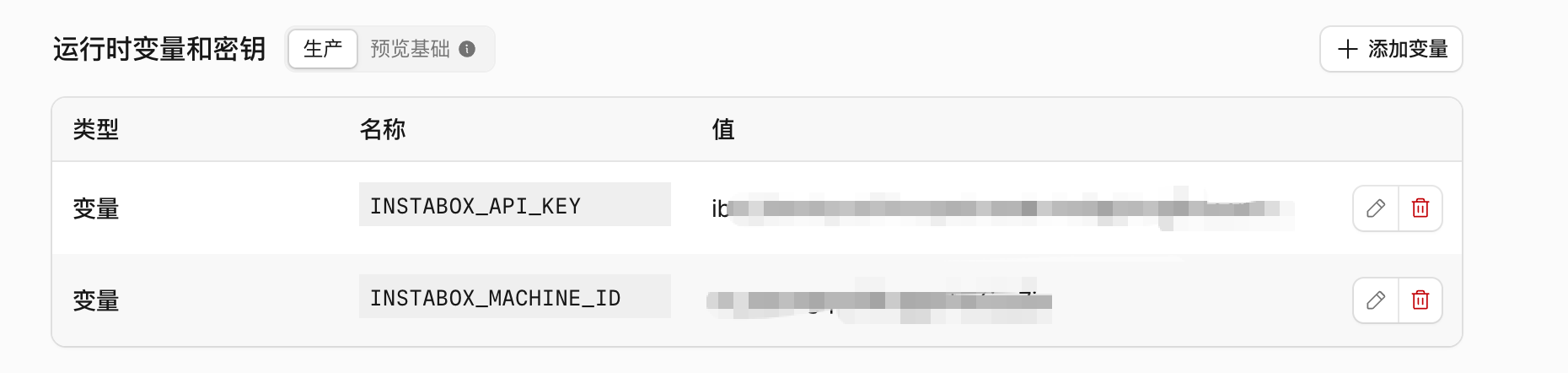
Add variables
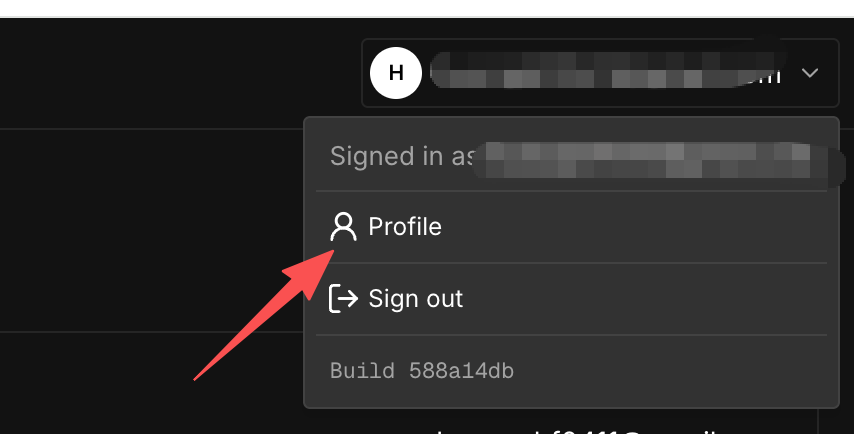
INSTABOX_API_KEY:

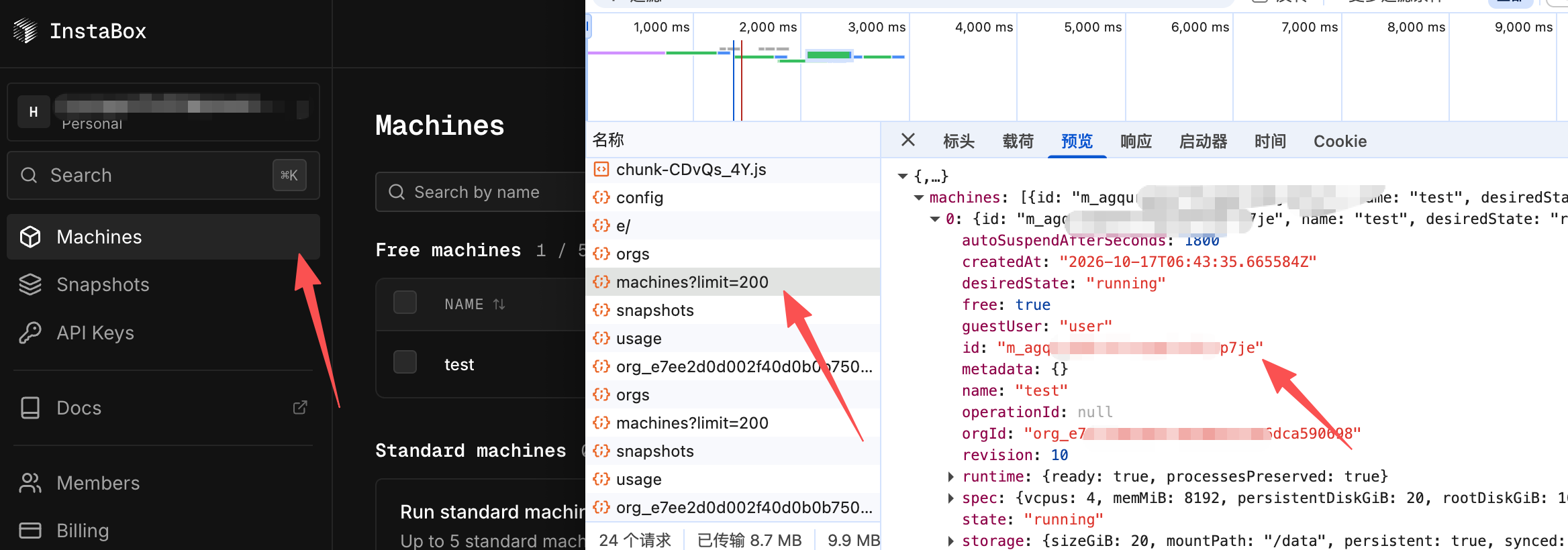
INSTABOX_MACHINE_ID
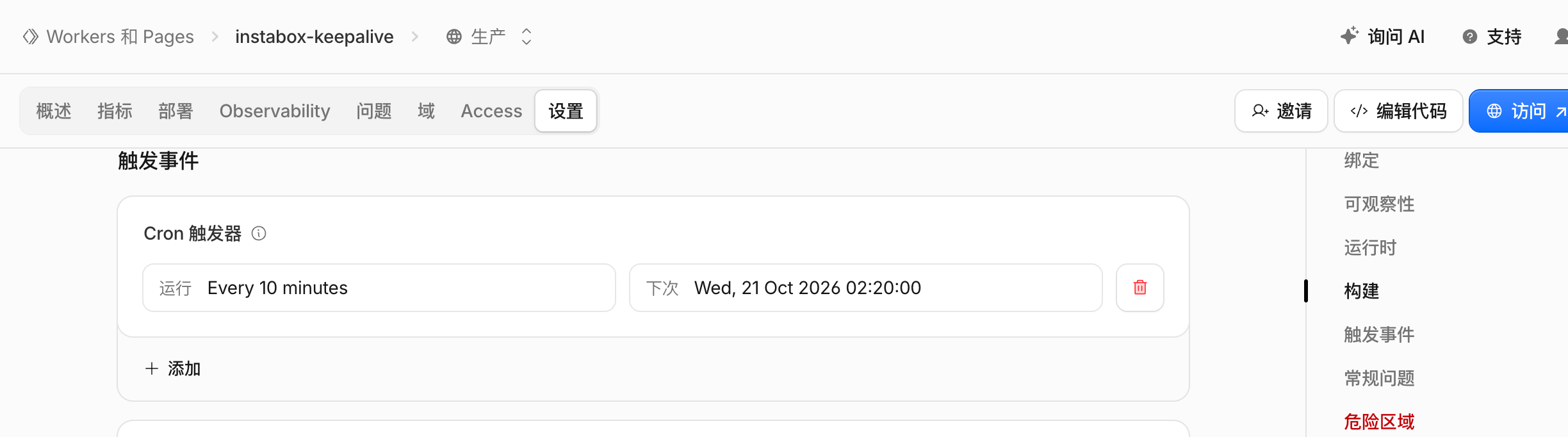
Add a scheduled task:
If you don’t know what to use the host for, you can set up a node:
[upvote]vless://7c5f288e-99c9-458d-b1c2-61be58f27f02@18081-agqurgqeoftfugqprha6jrp7je.instabox.tech:443?encryption=none&security=tls&sni=18081-agqurgqeoftfugqprha6jrp7je.instabox.tech&fp=chrome&insecure=0&allowInsecure=0&type=ws&host=18081-agqurgqeoftfugqprha6jrp7je.instabox.tech&path=%2FS-M5-4aSDFJ-DtpgVEJ_lgeeBFs#Instabox-test[/upvote]
The official service added an 8-hour expiration limit on October 23.
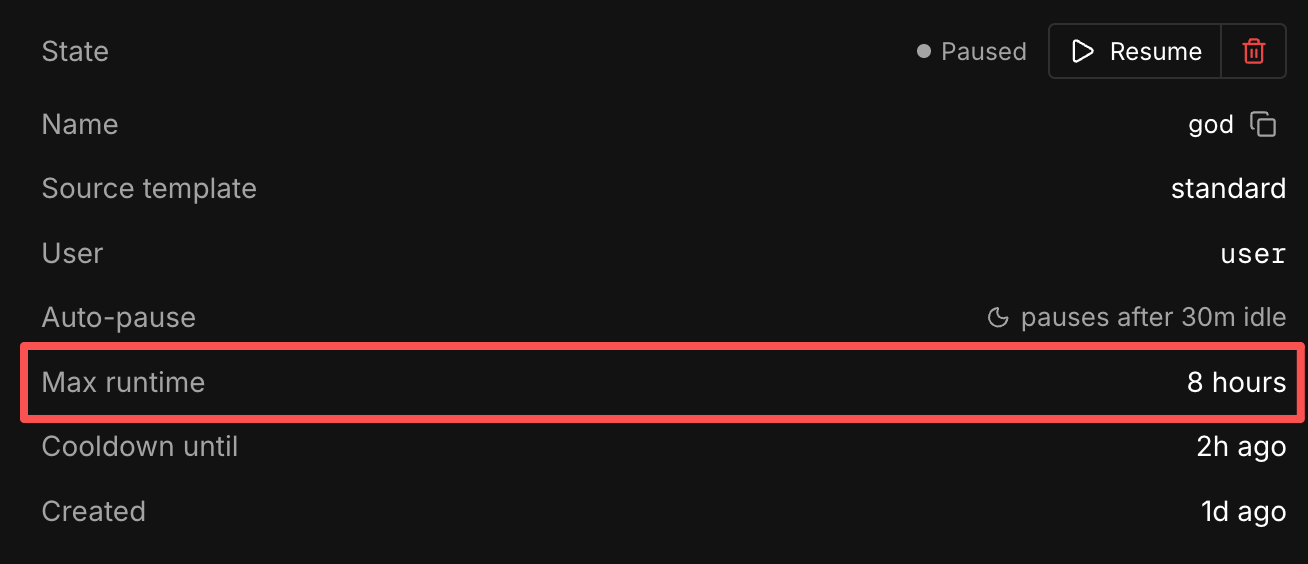
Tests show that CF keepalive can automatically wake the machine.

god: keepalive on the local machine
test: keepalive on CF