Use cases!!!:
Personal websites, blogs, test environments, and various lightweight Docker applications. The specifications are modest and cannot run large services; the free policy may change at any time, so use it while you can.
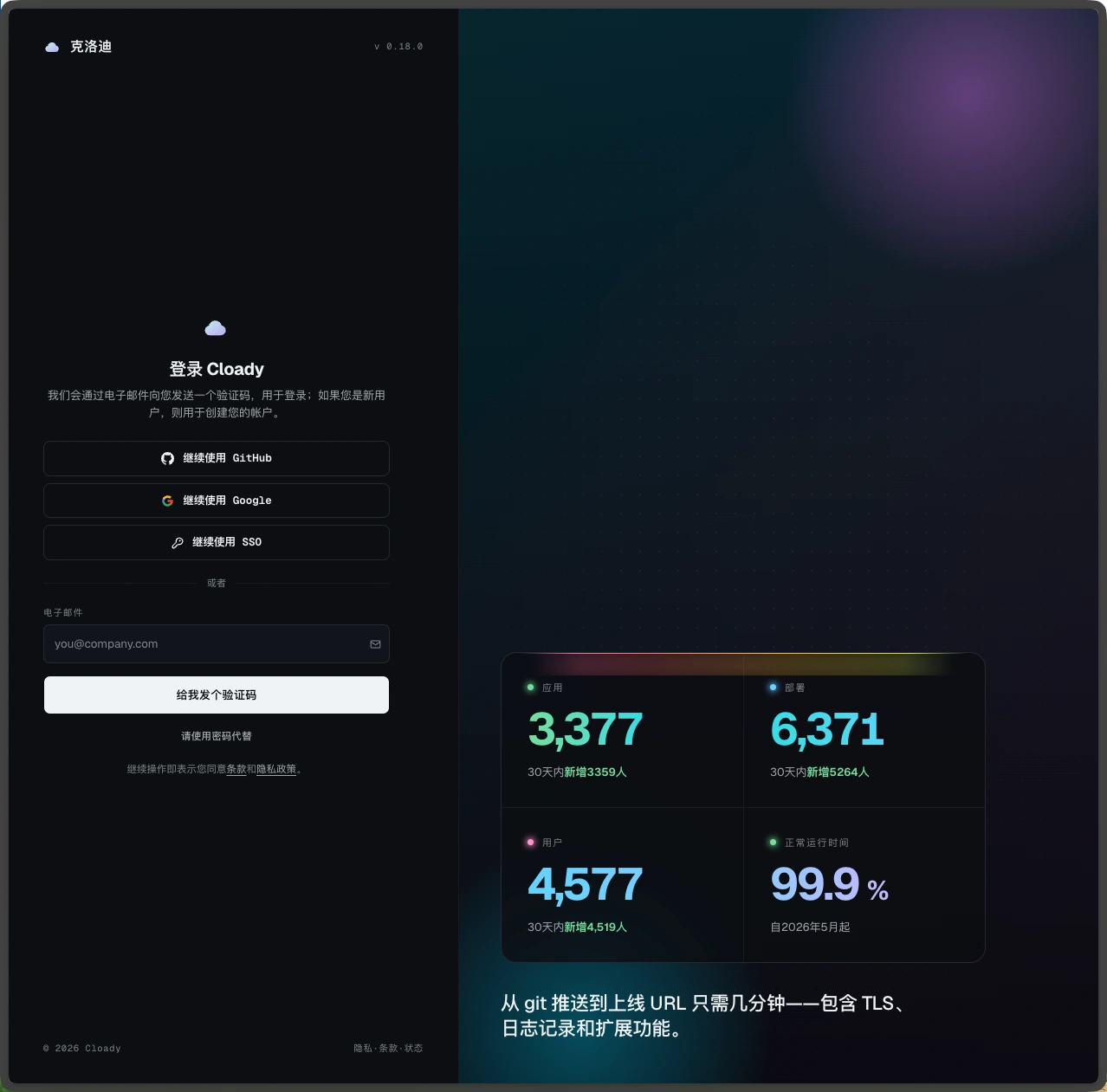
Sharing a free resource: Cloady(cloady.com). Register with an email address to claim the $0 free tier.
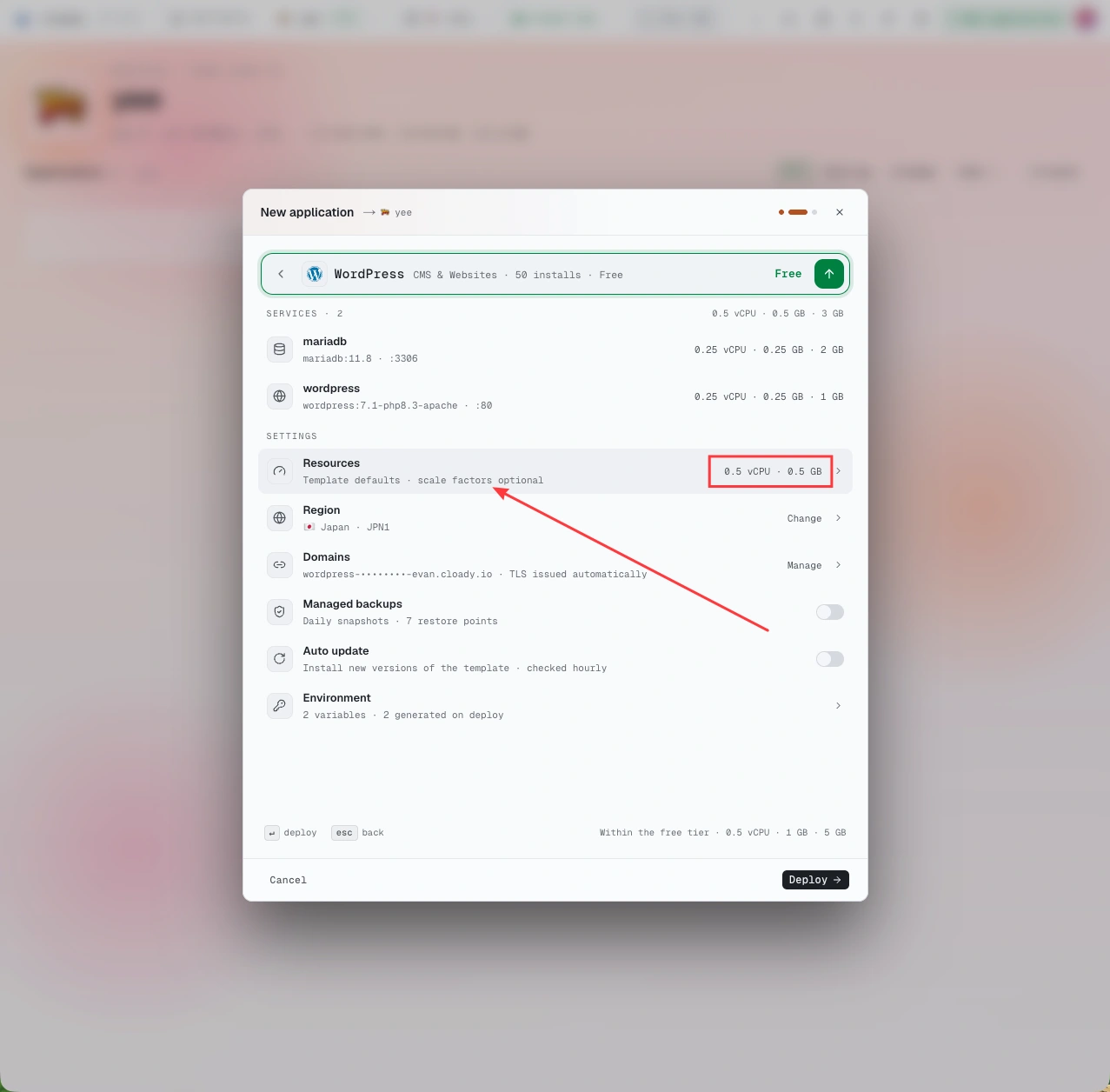
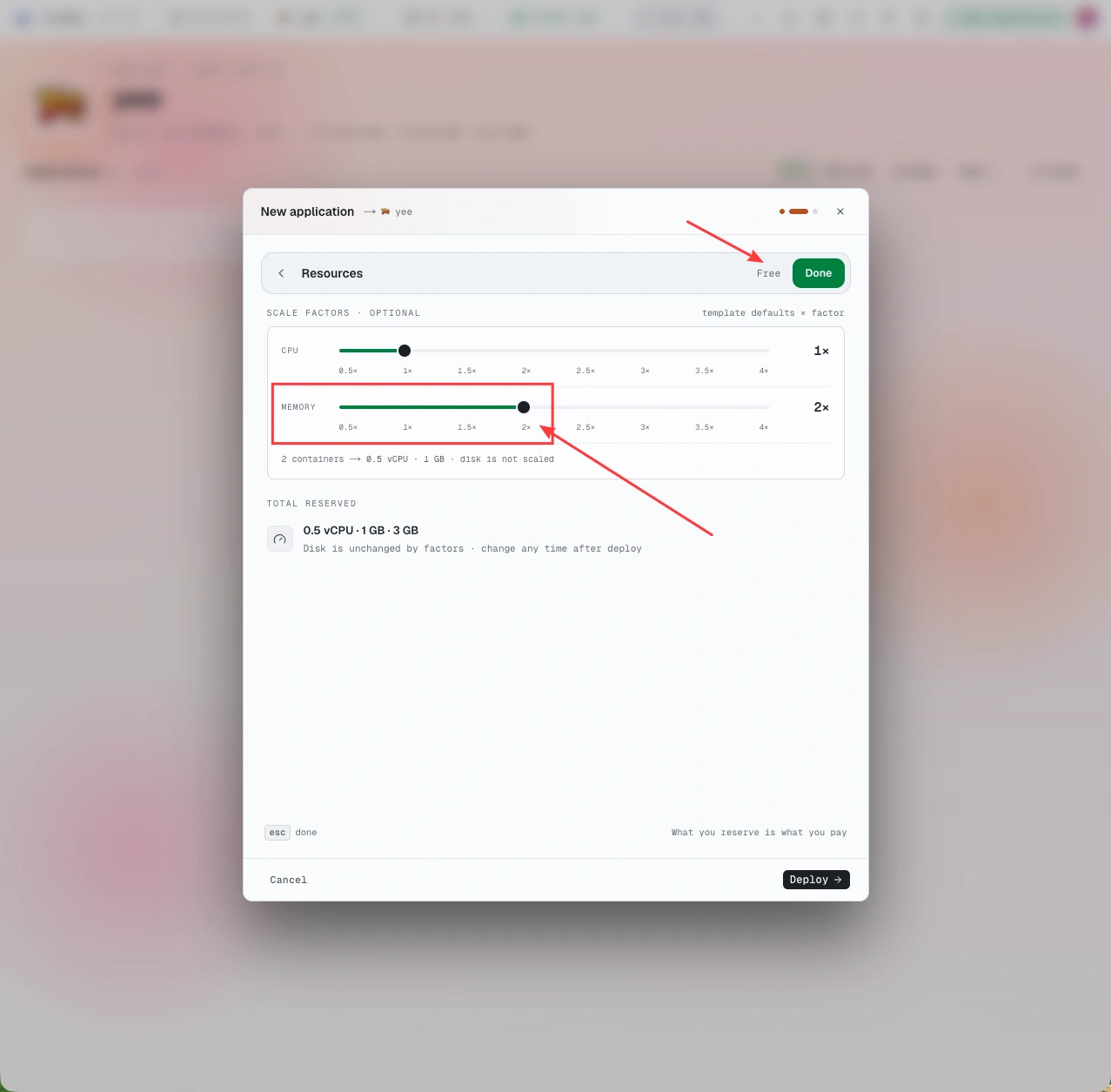
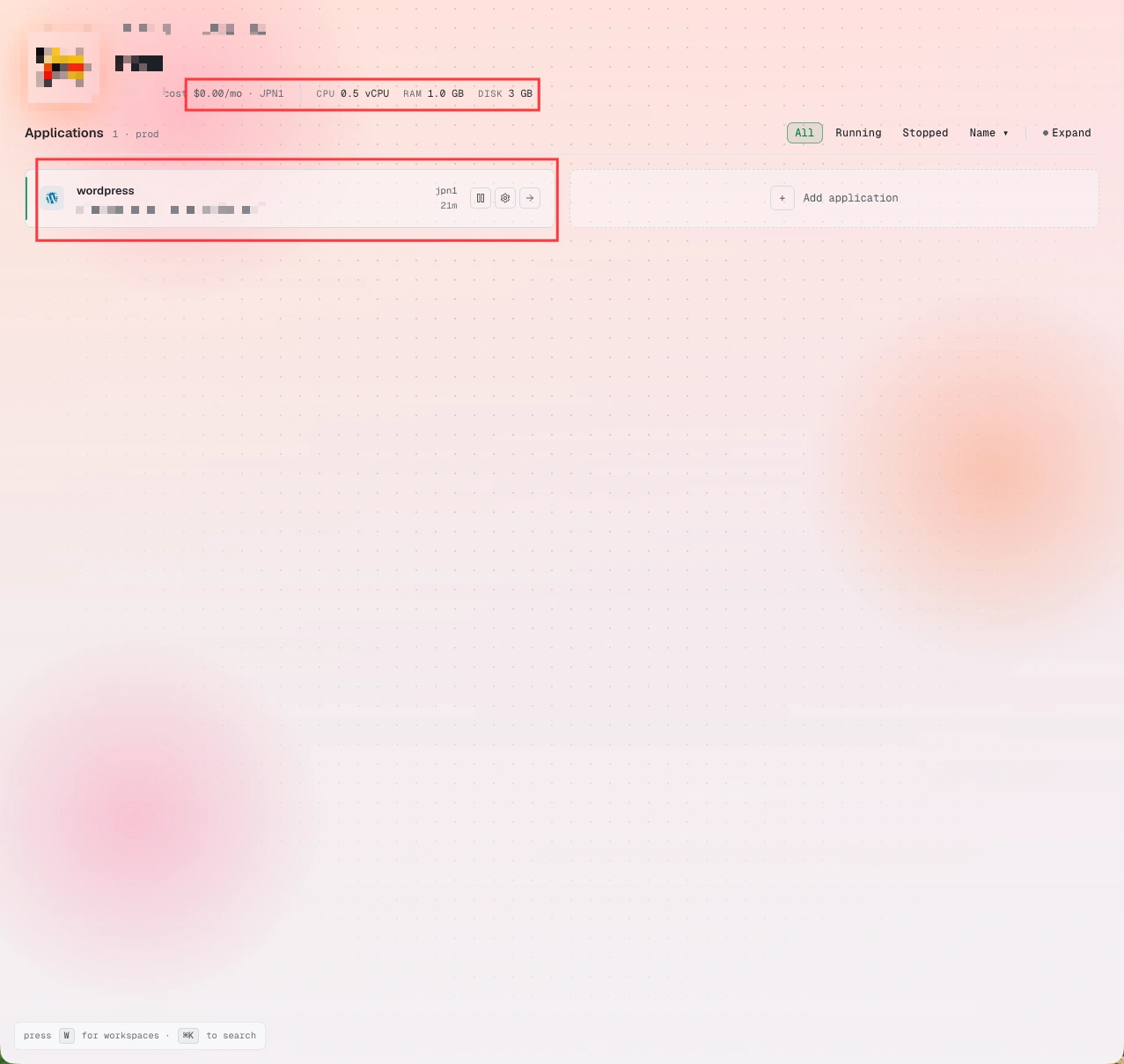
Specs: 0.5 vCPU / 1 GB RAM / 1 GB storage (when selecting the plan, you can adjust it; as long as it remains free, some options can go up to 3 GB), with the Tokyo jpn1 region recommended.
It is not a traditional VPS but a container platform with no SSH. Docker applications are deployed by uploading docker-compose files, and the platform automatically assigns a *.cloady.io HTTPS domain for access. In my tests, direct download speeds were around 90 Mbps, and deployment worked normally.
Getting started:
- Register with your email address at cloady.com;
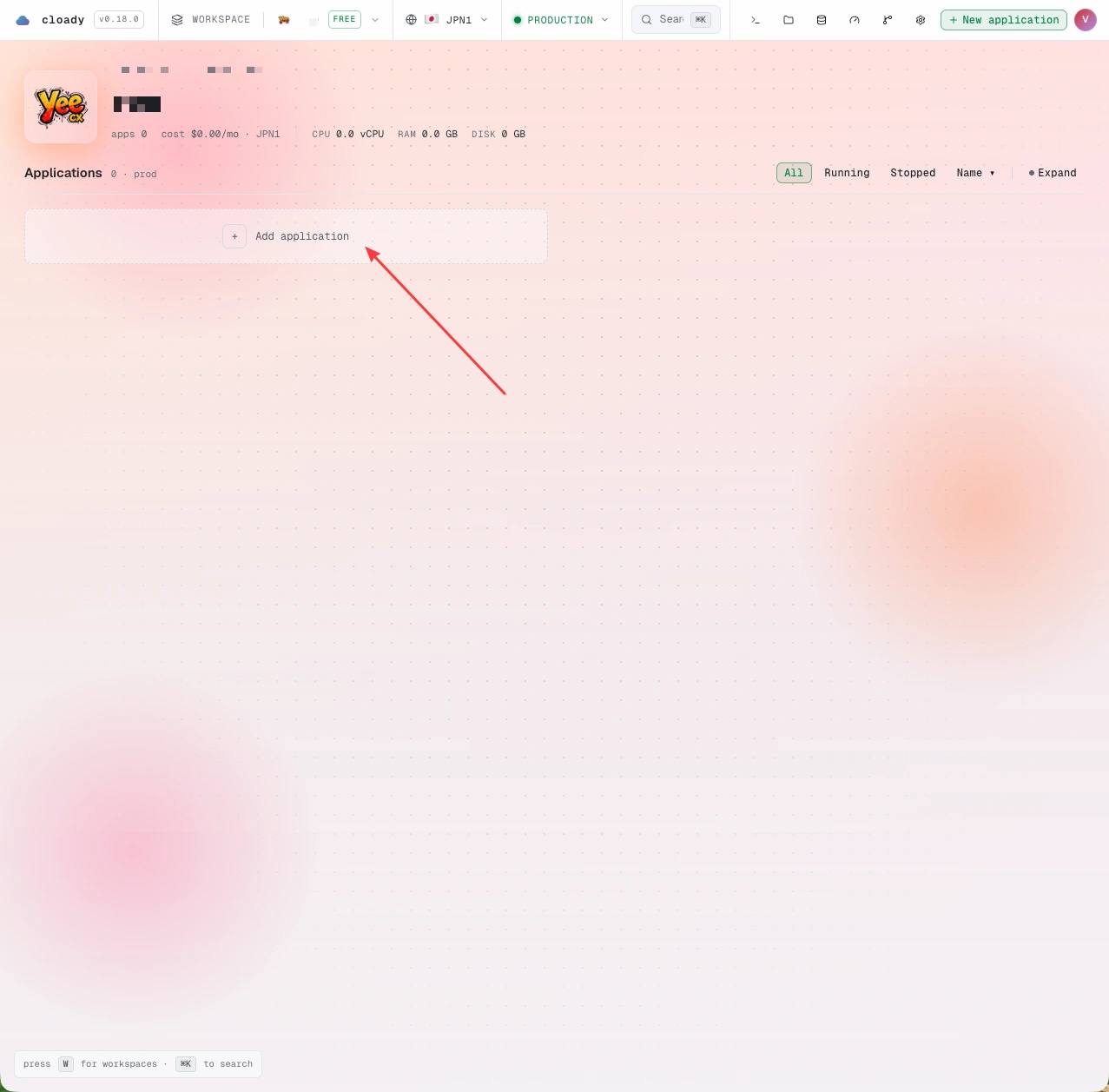
- Create a workspace, select Tokyo jpn1 as the region, and choose the free tier when creating a new application;
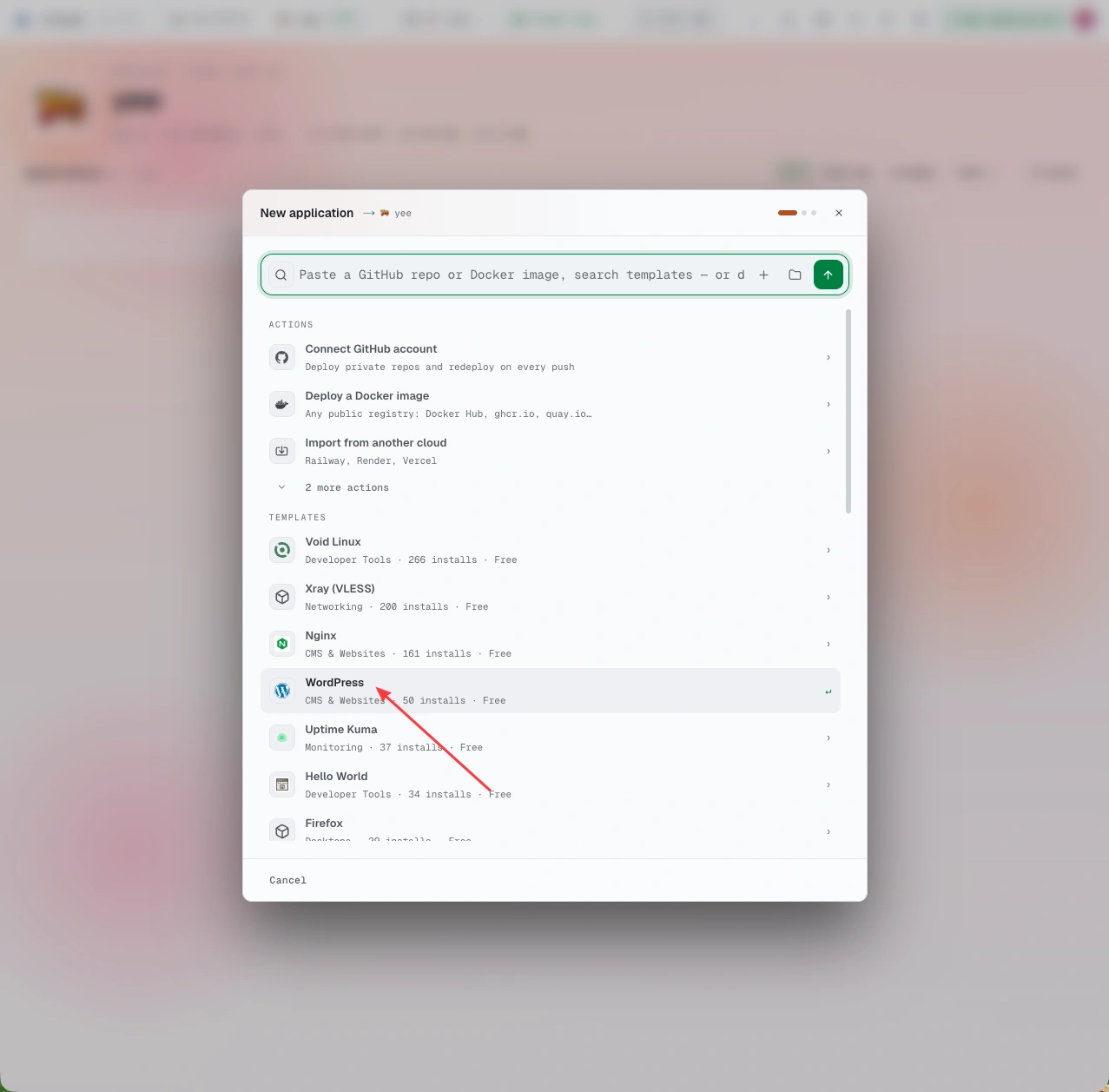
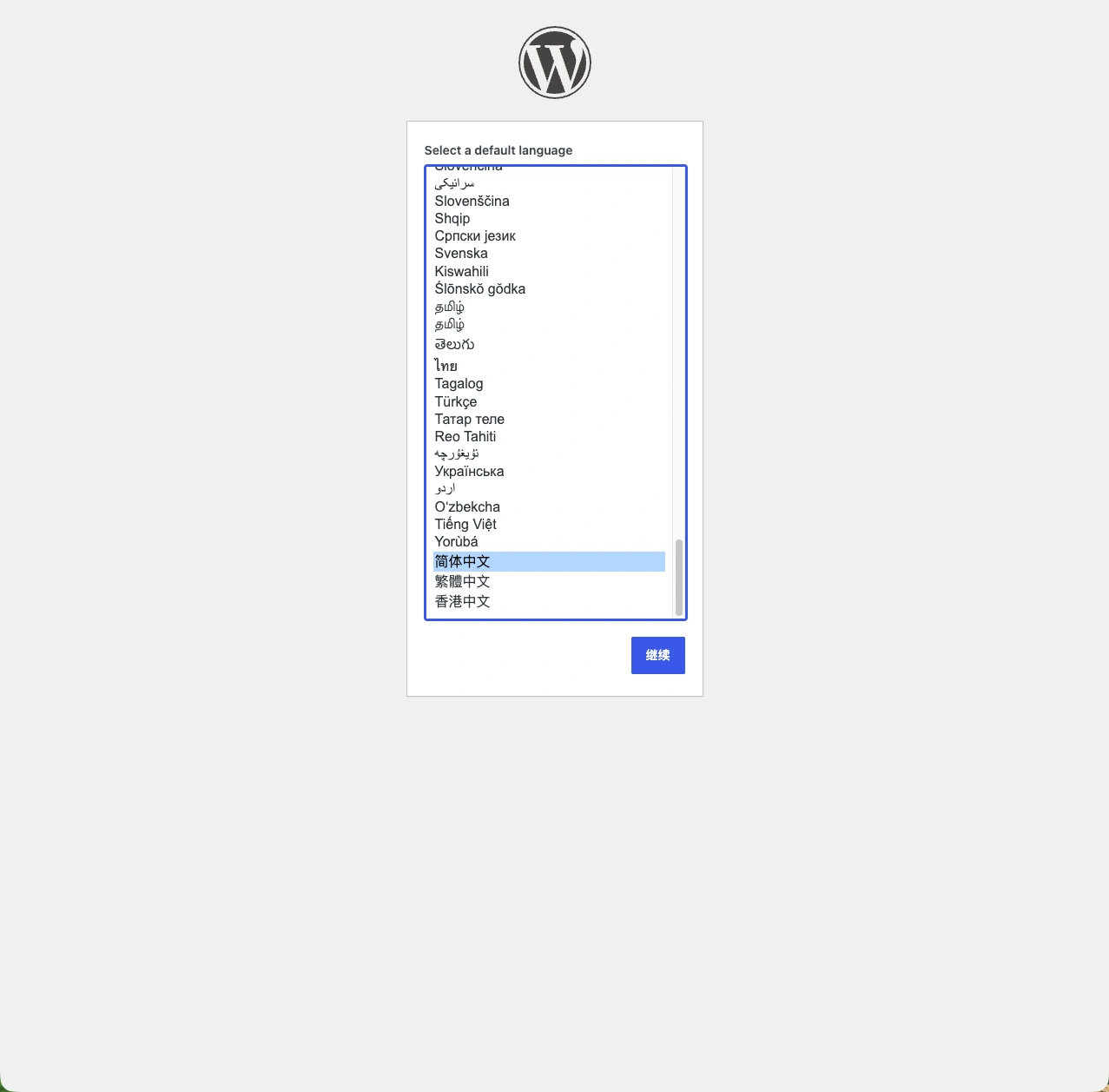
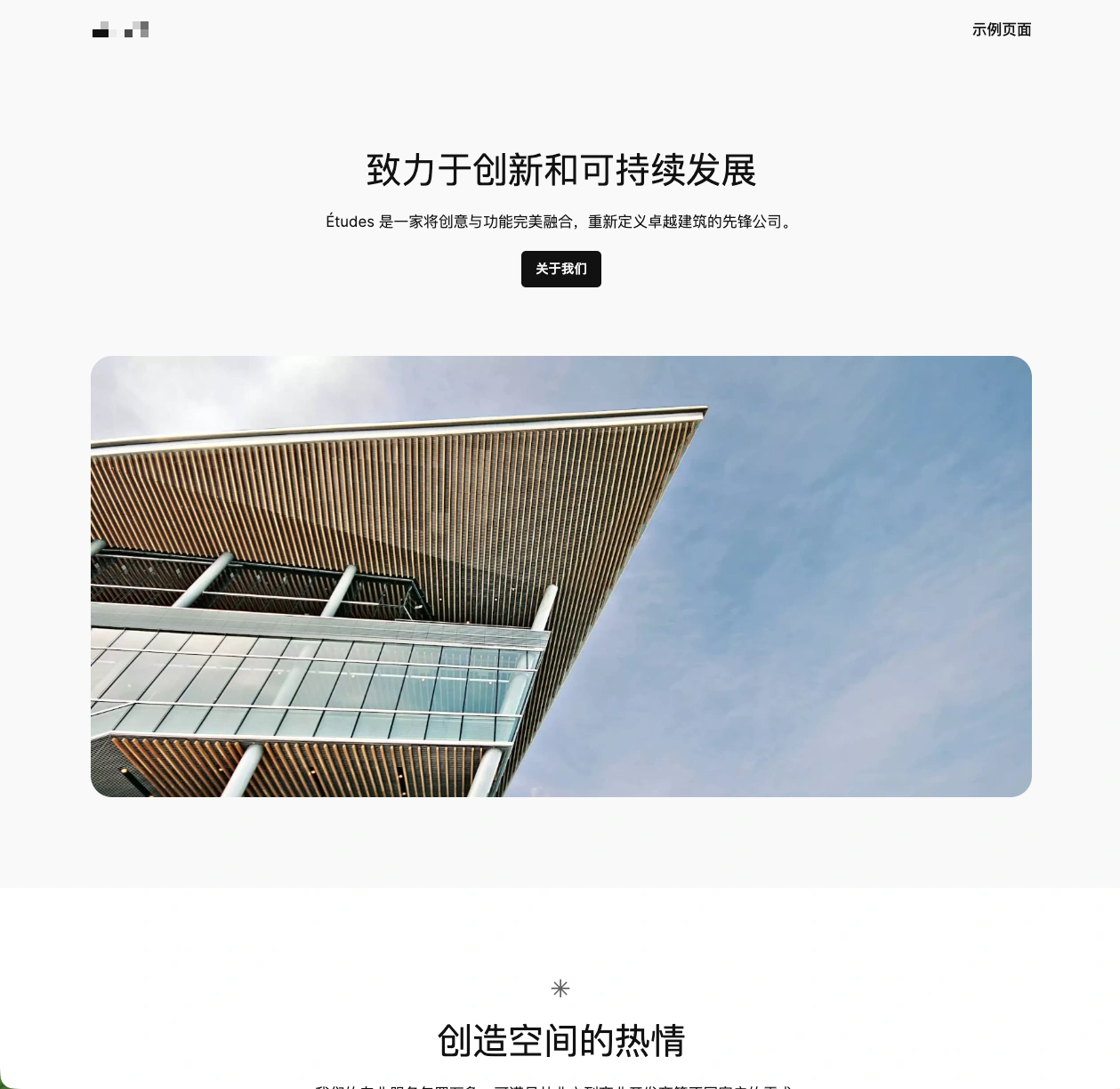
- Upload a docker-compose file to deploy (official images and self-developed projects are both supported). I chose WordPress directly; it can be installed without configuring a database, but it’s best to use a lightweight theme. More complex themes can run, but may sometimes cause delays.
- Once deployment is complete, access the service using the assigned domain.
- Here is the interface from when I deployed it. I might use it for a small navigation page or testing later, but don’t put anything important on it!!
If you find this useful, please like or tip!
If you find this useful, please like or tip
