Preface: I used a residential IP in Phoenix, USA, and Singapore eSIM mobile data to register two separate Gmail accounts. Both showed that I was in the queue.
So I used my own Phoenix IP shared by thousands of people and, directly from my phone’s browser, chose to log in to meta.com with my Facebook account (my Facebook account uses a QQ email address). After logging in, I downloaded Muse through Facebook, then opened Muse and successfully logged in with my Facebook account.
I simply selected a date of birth, and it worked right away.
I hope everyone can succeed smoothly.
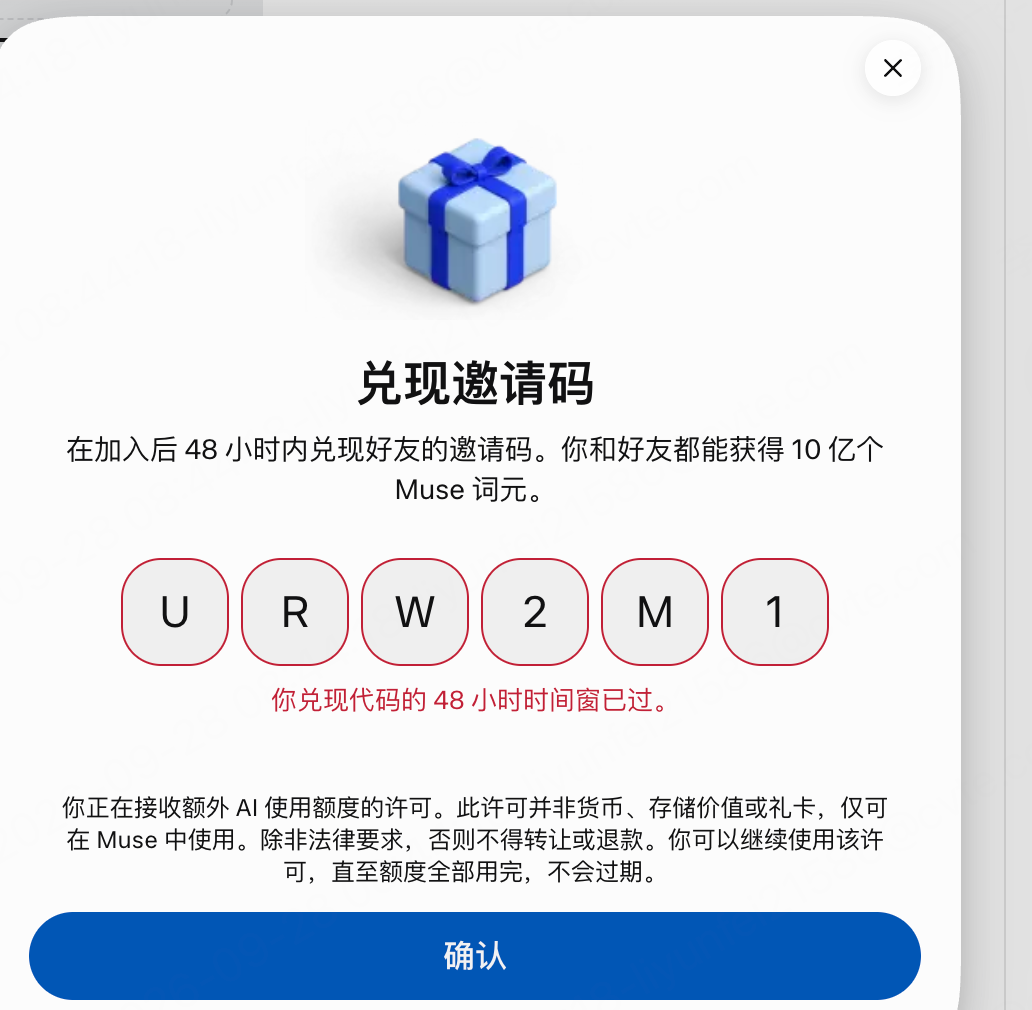
Invitation code: URW2M1
This is my invitation code. I haven’t entered anyone else’s invitation code yet—who would like to exchange invitations with me?
Come check out your personal AI agent, Muse. Redeem my invitation code through “Settings” within 48 hours of joining, and we’ll each receive 1 billion Muse tokens.
Come check out your personal AI agent, Muse. Redeem my invitation code through “Settings” within 48 hours of joining, and we’ll each receive 1 billion Muse tokens.